User Help System
Search for Executing Firms in FADB
The Search Globex Firm window appears after a successful login. Users can perform a variety of Globex firm tasks related to traders, sessions, contacts, user entitlements, and messaging.
- To search for information relating to an Globex Firm:
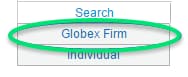
- From the Search menu, select Globex Firm.
- Select an executing firm from the drop-down menu.
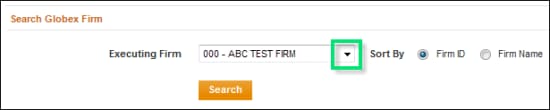
- Select a Sort option:
- Firm ID
- Firm Name
- Select Search.
Matching results appear on the Trader IDs tab.

Additional tabs are available:
- To export search details:
Globex firm details can be exported to an Excel spreadsheet.
- On the listed results, select Export to Excel.

- On the File Download dialog, select Save, then specify the location.
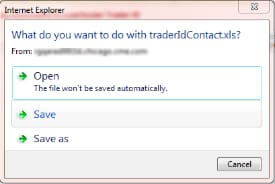
- To finalize, select Save.


