User Help System
Outbound Contacts in FADB
The Outbound GCC Contact functionality is used to view contact information, which is used to contact clearing and Globex firm users regarding error trades or technical issues, including:
- Improper numbering sequence
- Runaway Automated Trading System (ATS)
Outbound contact onboarding and maintenance is handled by CME Group Global Account Management.
The Firm contacts functionality is used to view Globex firm user profiles.
- From the Search menu, select Globex Firm.
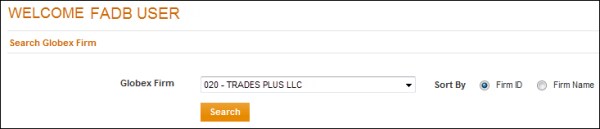
The Search Globex Firm screen appears.
- From the Globex Firm drop-down menu, select a Firm, then select Search.
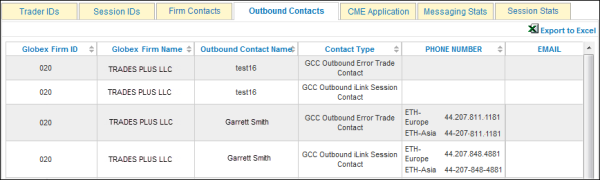
- Select the Outbound Contacts tab.
Outbound Contact details appear in a list.