User Help System
EBS Deals Card
EBS Deals Card displays the last dealt prices on the EBS Market and FX Spot + Central Limit Order Books for currency pairs chosen by the user. For EBS Market published prices are shown as Paid or Given while for FXS+ direction of the trade is not disclosed. Dealt Prices are populated from the time of user loginfor currency pairs chosen by the user. Paid/Given rates are populated from the time of user login.
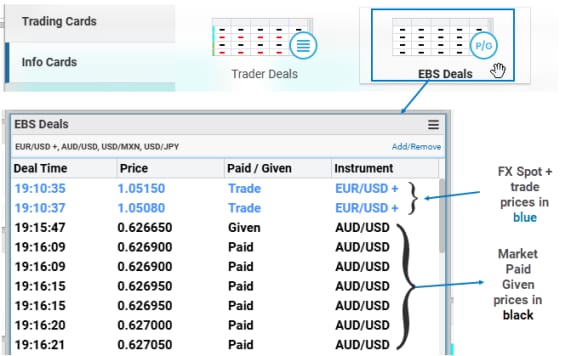
Add an EBS Deals Card to a Workspace from the Info Cards section of the Card Gallery at the top of the screen. As with other cards, users can drag and drop the EBS Deals Card anywhere in the Workspace.
Users can add more than one EBS Deals Cards to their Workspace, setting each card to display different currency pairs if desired, and track up to 20 instrument pairs per card.
- To add instrument pairs
- Navigate to EBS Deals Card > Add/Remove

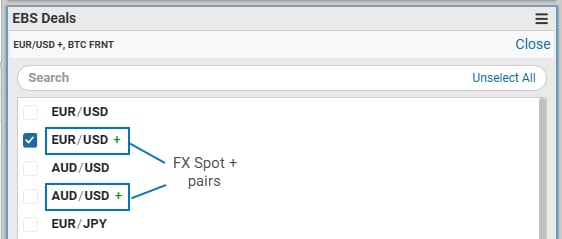
- Scroll to find and select desired instruments or use search bar to filter relevant pairs. Once selection is made, Close to confirm.
Note: FXS+ instruments are denoted by '+' sign to distinguish them from EBS Market pairs.
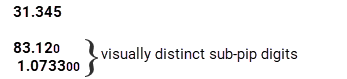
Note: Sub-pip prices can be set to appear visually distinct in EBS Deals, Trader Deals, and Market Data information cards. Refer to General Preferences > Market Card – Price Display Options for more details.