User Help System
Login and Logout
After you receive permission to access CME Direct Mobile, log in to the system.
- To log in:
- Download the CMED Mobile app


- Launch the app
- Enter login credentials and select LOG IN.
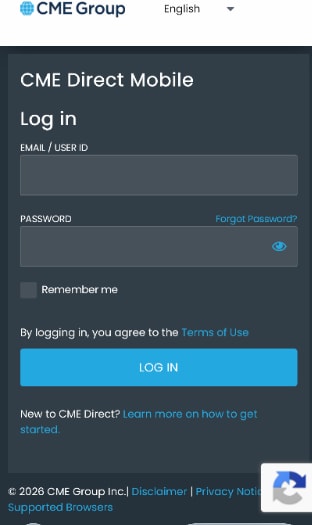
4. Authenticate using Duo when prompted.
Note: For additional information about creating or managing a CME Group Login, or using multi-factor authentication, please review the CME Group Login User Help System.
The Home Page displays. The Home page is customizable and opens to the same view as the user’s last session.
- To exit CME Direct Mobile:
- Tap the User Settings button.

- Select Logout to exit the application.
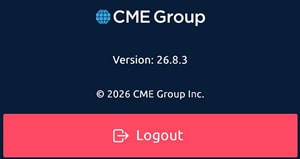
Note: Logging out performs a complete session reset, ensuring users are securely prompted for credentials upon their next login.


