User Help System
Reviewing iLink Order Entry Session Requests
The following instructions illustrate the process for authorized clearing firm Admin Managers to review iLink Order Entry Session requests (create/edit/delete) submitted by executing firm users.
Clearing Firm Admin Managers may designate some firms the ability to create order entry sessions without clearing firm review.
For instructions, see iLink Order Entry Sessions Self-Service Permissions
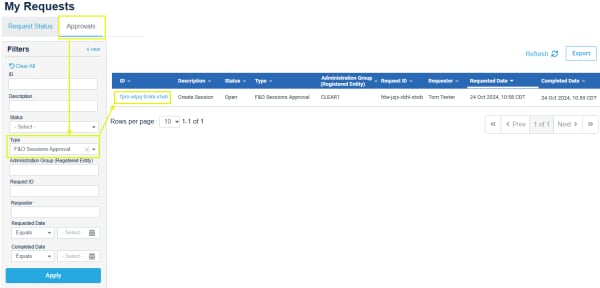
- From the Request Center (ESS) menu, select My Requests,

If necessary, use the filters to find a request (e.g. Filters - Type: Futures and Options Sessions Approval > Apply)
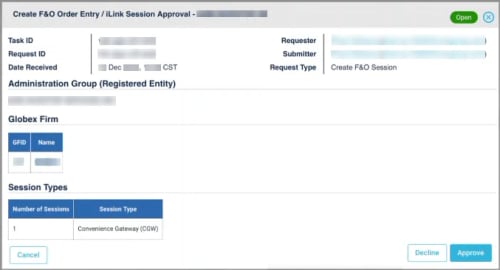
- On the request details screen review submitted details, then select a decision (Decline/Approve).
A notification banner appears and email confirmation sent to the requestor and clearing firm admin manager, indicating the completion of order entry session creation.


