User Help System
Relationships
A relationship essentially 'links' a Liquidity Consumer to a specified LP GFID, allowing for the LP to show pricing to the LC by assigning Entitlements.
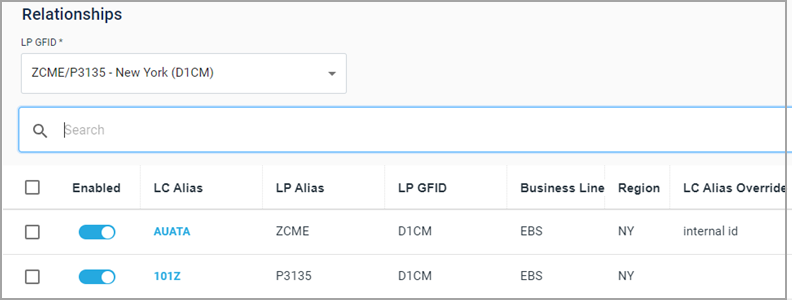
Note: See the Data Structure section for descriptions of the field names.
Selecting an LP GFID
The GFID (Globex Firm ID) is the primary entity representing the Liquidity Provider on the CME platform. For more details on what the values in the LP GFID drop-down mean, refer to Selecting an LP GFID section in Entitled LCs View.
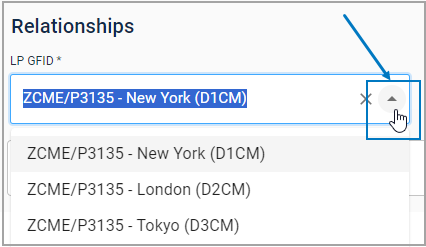
- To select an LP GFID
- Click the LP GFIDs drop-down arrow to select an LP.
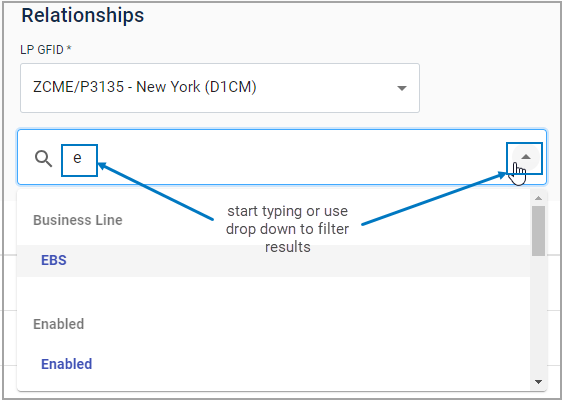
- To filter results within the selected LP GFID
- Start typing in the search box or click the drop-down arrow to find a filter.
Enabling/Disabling Relationships
Relationships may be enabled (or disabled) individually or in bulk.
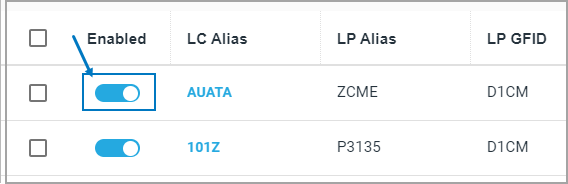
- To enable/disable an individual LC
- Click the toggle next to LC.
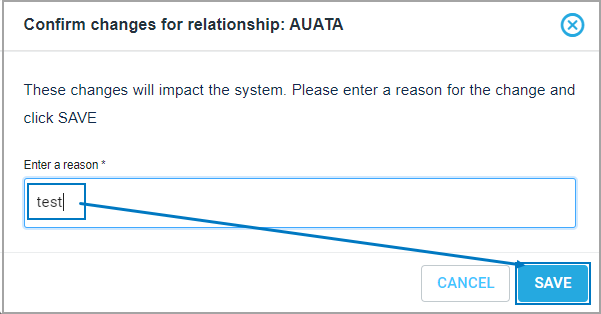
- In the confirmation box enter a reason and click SAVE.
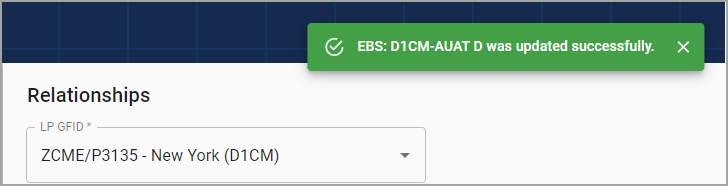
A confirmation message appears.
- To enable/disable LCs multiple LCs
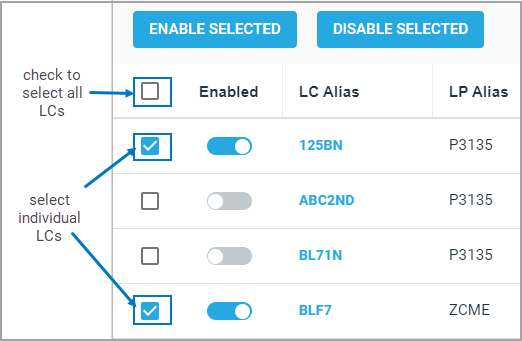
- Check the box next to multiple LCs to select or check the box at the top of the column to select all LCs.
- Click ENABLE SELECTED / DISABLE SELECTED.
- In the confirmation box, enter a reason for the change and click DISABLE.
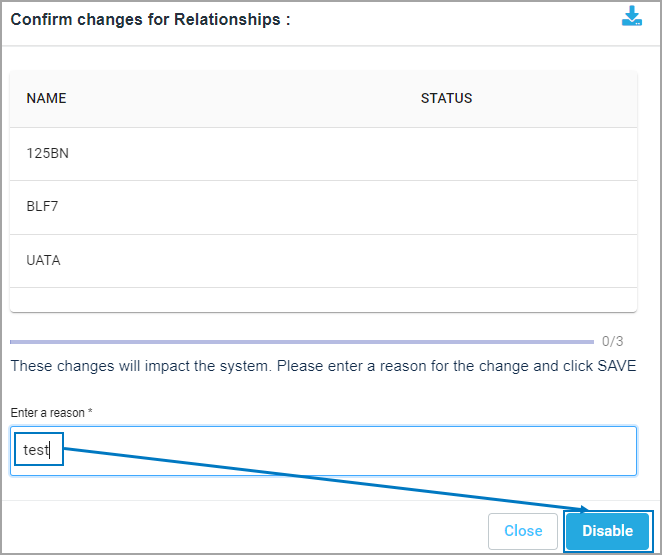
A confirmation window will indicate whether all the changes have been applied.
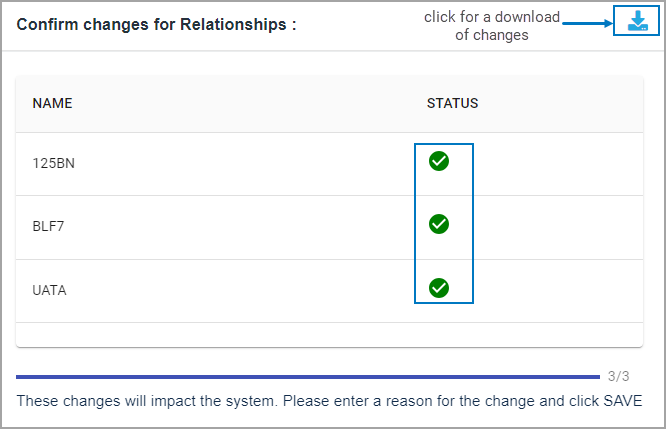
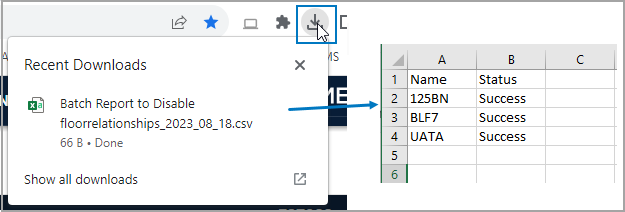
Note: To download an excel of changes, click the arrow button.
Viewing/Editing Relationship Data
Review details for an LC and optionally add custom values to the fields for LC Alias Override (overrides the Execution Party value in trade messaging, by default the LC Alias) and LP Ctpy Settlement Override (overrides the LP's Settlement party in trade messaging).
- To edit LC override fields
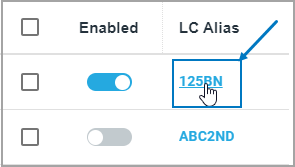
- Click an LC Alias to select it.
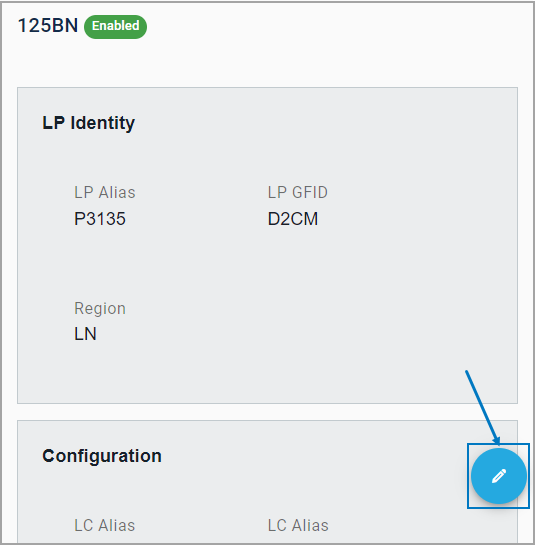
- Click the pencil icon.
- Make edits as needed to the LC Alias and / or LP Cpty Settlement override fields.
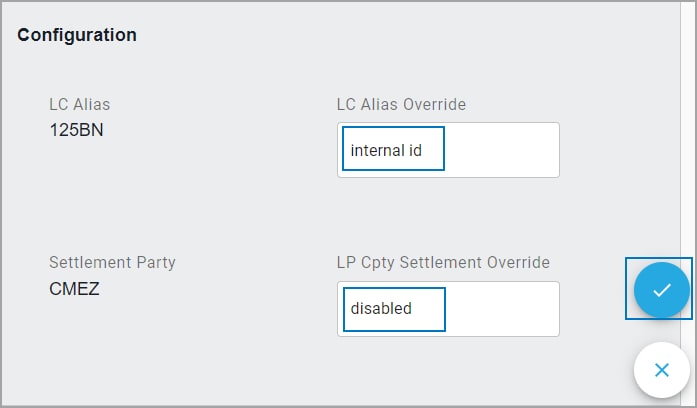
- Click the checkmark to save changes. A confirmation message will appear.



