User Help System
Orders
Use the Orders view to check the status of orders, access order details, and Hold or Kill all orders at one time; or Modify individual orders in your order book. Each order row displays the color associated with the order's status - Working (yellow), Filled (green), Cancelled (red), or Held (gray).
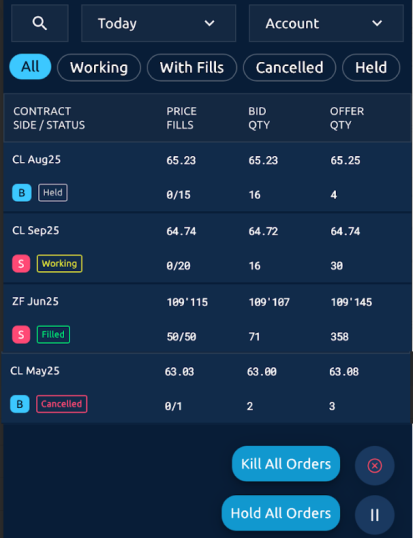
- To use the Order Book:
- Tap one or more filters to find orders by status, date, and account. To search for specific orders click the magnifying glass.
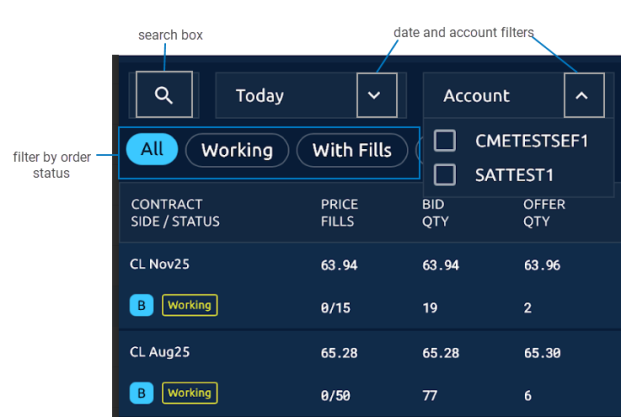
Note: You need to enter a filter name and select at least one filter to create a filter.
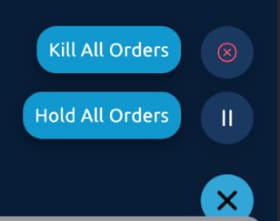
- Use the Kill All Orders and Hold All Orders buttons to cancel or hold each of your working orders.
- Tap an order row to display order details. From the detailed view you can hold an order, cancel an order, or modify an order.


