User Help System
Submit a Request For Quote (RFQ)
An RFQ can be submitted for interest rate products on the CME Platform. Use the Product Finder to select the product and submit the RFQ.
- To submit an RFQ
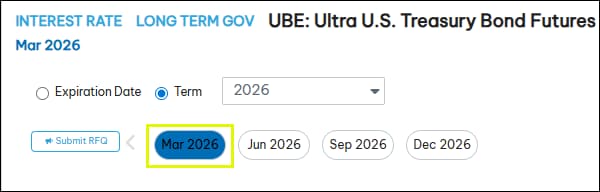
- Select a term for the product.
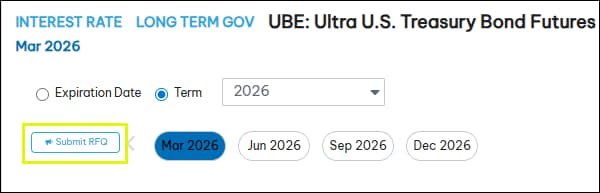
- Select Submit RFQ.
- After 3 seconds, verify the RFQ was submitted successfully.
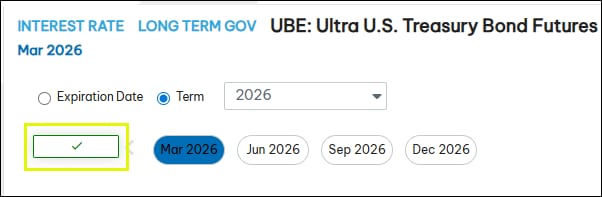
If the RFQ is not acknowledged by Globex after 3 seconds, a red "x" ( ) is displayed. After a few seconds, the button is active and the RFQ can be resubmitted.


