User Help System
Accessing BrokerTec Risk Management
BrokerTec Risk Management is accessible from the CME Customer Center menu. A valid CME Group Login ID is required.
- To access BrokerTec Risk Management:
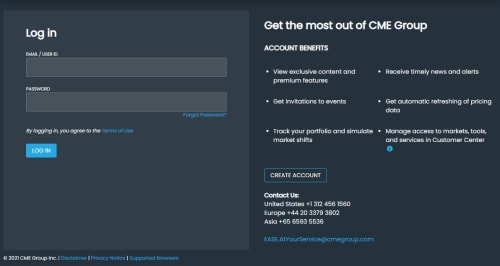
- Navigate to the CME Group Login page.
- If you are not logged in, enter login credentials and select Log In.
- Authenticate your ID:
Via Duo.
OR
Enter the code that was sent to your mobile device or voice code from an automated call to your primary phone number (US only).
- From the CME Customer Center menu, select Portfolio & Risk > BrokerTec Risk Management.

Note: For additional information about creating or managing a CME Group Login, or using multi-factor authentication, please review the CME Group Login User Help System.
Authorized Users
Available functions and data are based on assigned permissions, which are granted via the following roles:
Firm Risk Admin:
- View and edit product group risk settings for firms, firm groups and traders, which operate in addition to BrokerTec limits.
For all limits, the most restrictive limit (BrokerTec or Firm) is enforced.
Firm Risk Viewer:
- View risk group and product group settings for firms and traders.
- View thresholds and alerts settings.
Support Contacts
For questions or issues using BrokerTec Risk Management, refer to the Contact Information directory on CME Group's Client Systems Wiki.
- For production application assistance contact the Global Command Center (GCC).
- For login support, onboarding, application entitlements, contact Enterprise Application & Systems Entitlements (EASE).
- For market access, risk management configuration contact Global Account Management (GAM).


