User Help System
Accessing Asset Management
Follow these steps to access Asset Management.
- To access Asset Management:
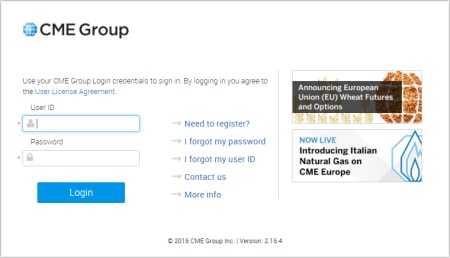
- View the CME Group Login site https://login.cmegroup.com.
- Enter your CME Group Login ID and Password and select Log In.
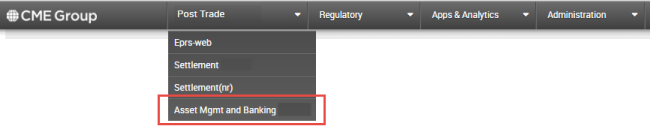
- From the CME Group Post Trade drop-down menu, select Asset Mgmt and Banking.
The Asset Management Firm Selection screen displays. - In the Firm Selection screen, the Clearing Organization (Clrg Org) defaults to CME. Use the drop-down menu to change the Clearing Organization, if necessary.
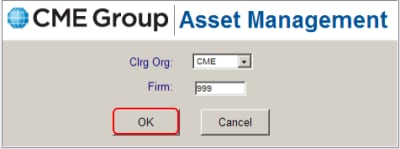
- From the Firm box, enter the Firm number.
- Select OK.
The Asset Management main menu displays. Proceed to add or view a new CUSIP/ISIN.


