User Help System
Login to STP Trade View
- Navigate to https://login.cmegroup.com/sso/accountstatus/showAuth.action.
- Enter CME Group Login credentials and select Log In.
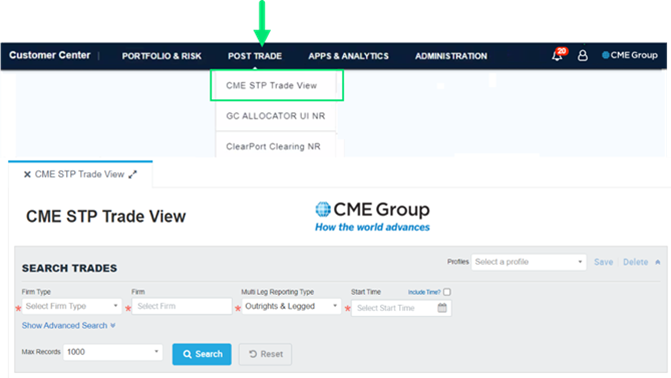
- From the CME Group Customer Center, select POST TRADE > CME STP Trade View to start the application and display the home page.
Exit or Logout
To exit CME STP Trade View, select the x in the CME STP Trade View tab.
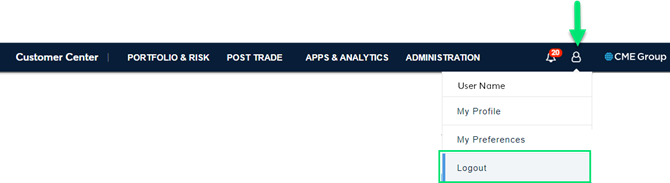
To logout of the CME Customer Center, select the User icon and select Logout.