User Help System
Price Segments
Use the Price Segments screen to view details for a price segment, enable or disable price segments, and modify the price segment name and add or modify the description.
Note: See the Data Structure section for descriptions of the field names.
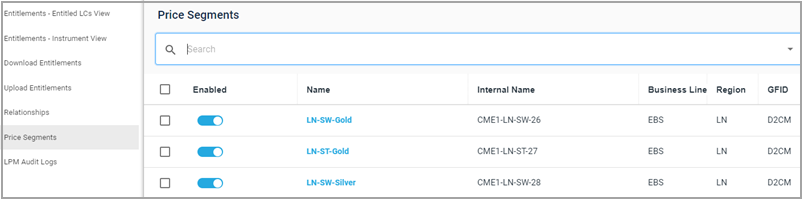
Enabling/Disabling Segments
Note: Enabling (or disabling) starts (or stops) pricing on all streams on that segment).
- To enable/disable a segment
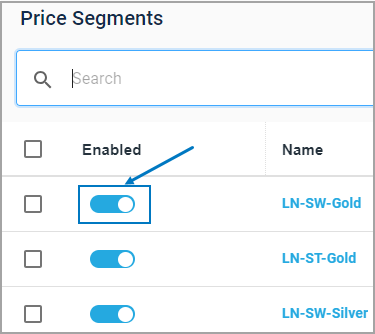
- Click the toggle next to a price segment to enable or disable it.
The confirm changes box displays.
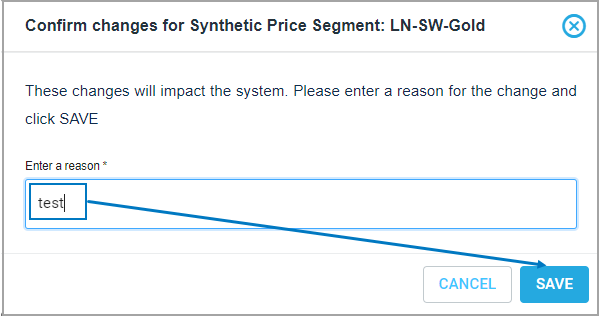
- Enter a reason and click SAVE.
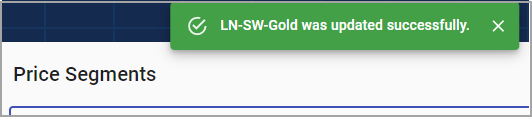
A window confirming the change will appear.
- To edit a price segment name or description
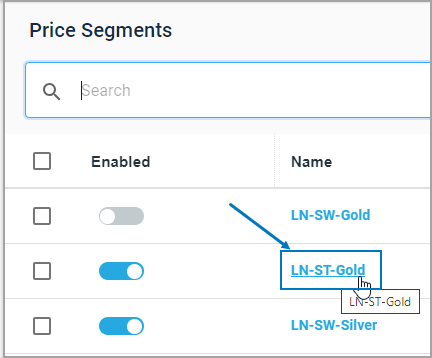
- Click a segment name to select it.
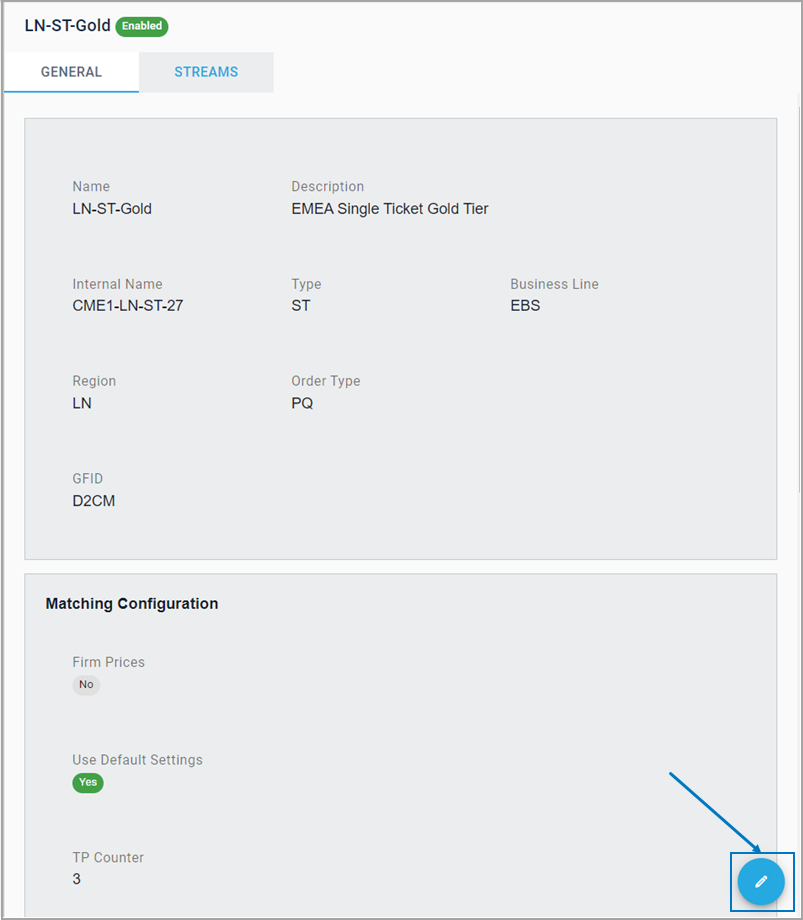
- Click the pencil (edit) icon.
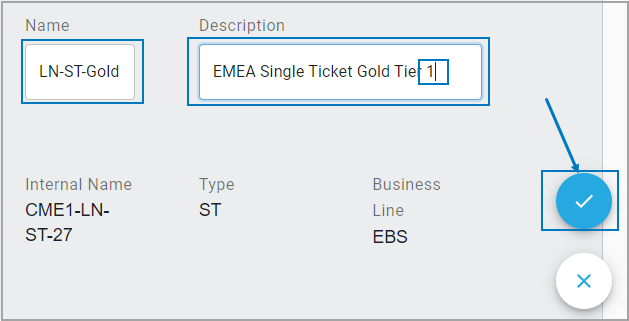
- Make any edits to the name and/or description.
- Click the checkmark icon to save changes.
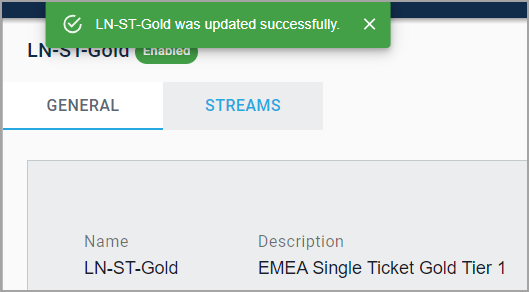
A confirmation message appears.
Enabling/Disabling Streams
- To enable/disable single streams
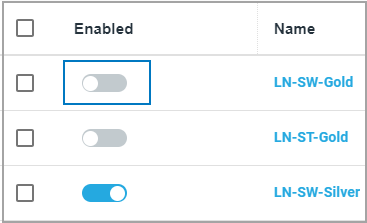
- Select the enable/disable toggle next to stream.
- Enter a reason in the confirmation box and click SAVE.
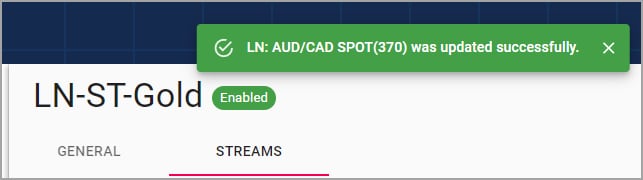
A confirmation message appears.
- To enable/disable multiple streams at one time
- Select the checkbox next to each stream or click the checkbox at the top of the column to enable/disable all the streams.
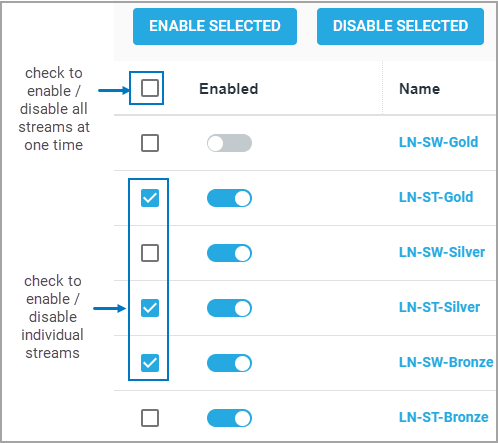
- Click ENABLE SELECTED / DISABLE SELECTED.
- Enter a reason and click ENABLE / DISABLE.
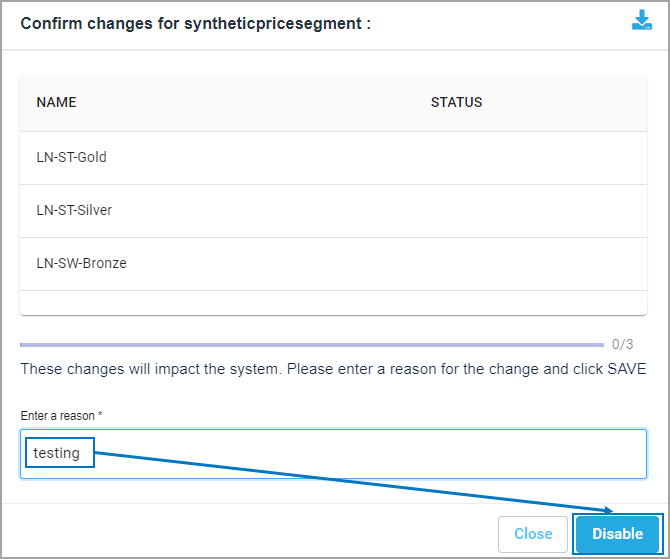
A confirmation window will indicate whether all the changes have been applied.
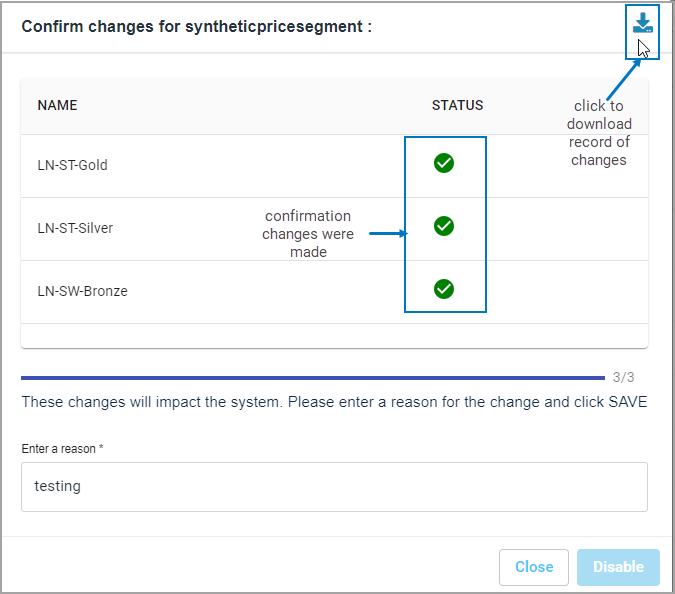
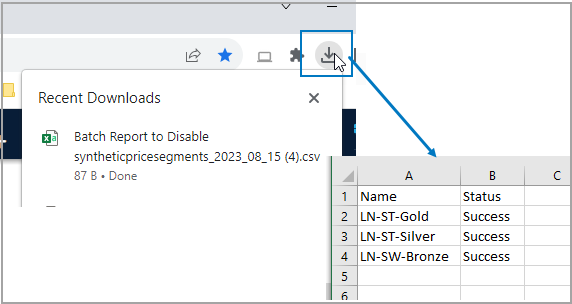
Click the download arrow to save a file of your changes locally.