User Help System
LPM Audit Logs
Use this screen to search the audit logs for details on modifications made in LP Manager.
Note: See the Data Structure section for descriptions of the field names.
- To search for specific changes:
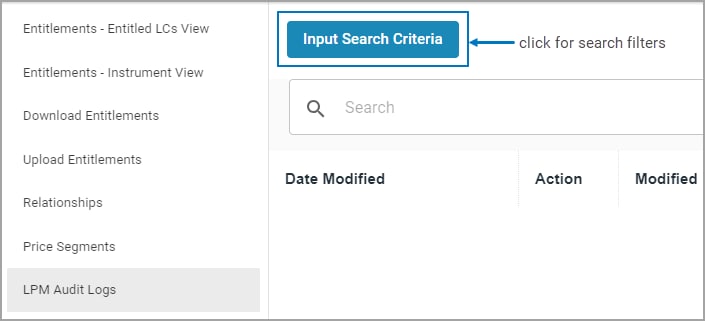
- Click Input Search Criteria.
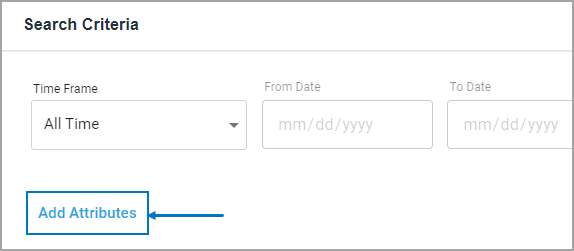
- Specify a Time Frame, then select an Add Attribute.
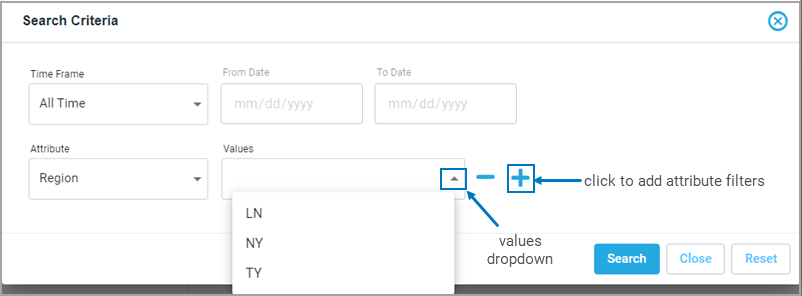
- Enter a Value. Add any additional search criteria attributes by clicking the + sign.
- Click Search. The list of search results appears.
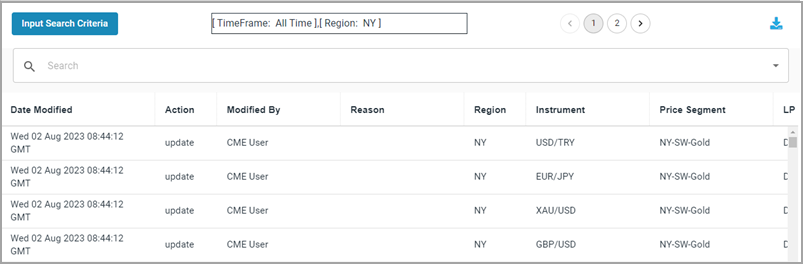
- To download search results
- Click the down arrow on the results page. The Excel file will appear in window above the screen.
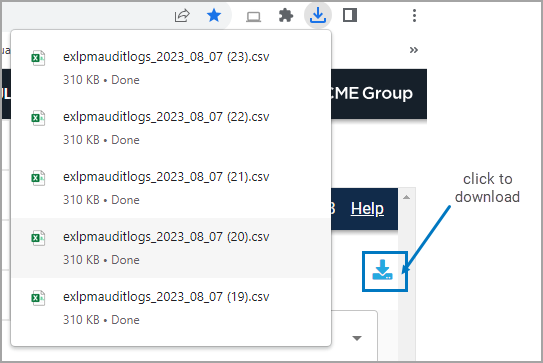
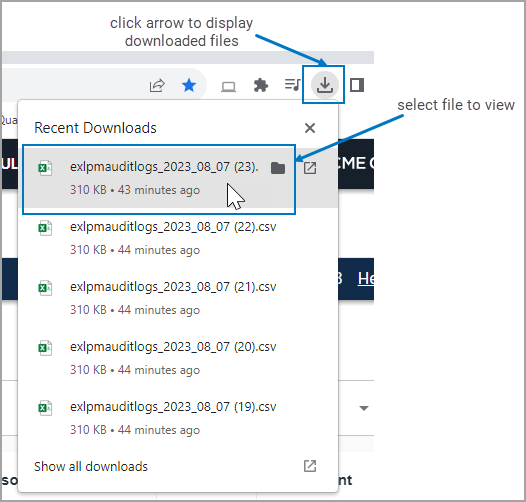
- Click a file to view results and save locally.

- To further filter search results
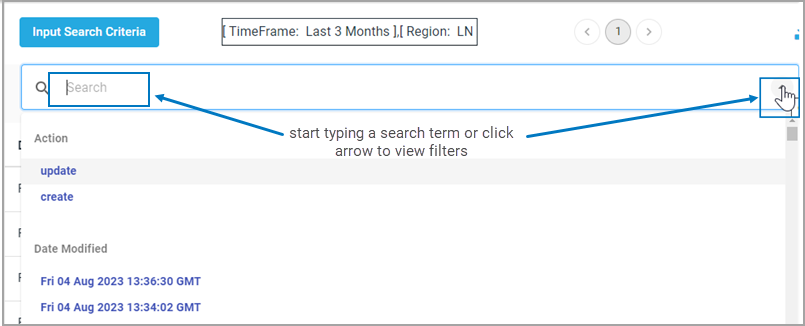
Click the dropdown arrow in the Search bar and scroll for filters.