User Help System
My Preferences
Using the My Preferences function, users can specify the default start page and number of agreements, rates, accounts to appear.
- To change your user preferences:
- From the to the Administration tab, move the mouse pointer over My GPS.
- Select My Preferences.
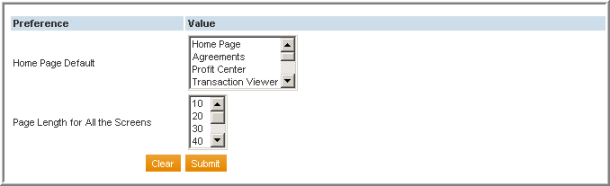
- Make a selection in the Home Page Default scroll box.
- Make a selection in the Page Length scroll box.
- Select Submit.


