User Help System
View Accounts
After executing an agreement search, you may view accounts.
- Select View Accounts from the drop-down.
- Select an agreement.

Executing Firms can define specific accounts under an agreement, which will all be charged by the same rate set. Carrying Firms can reject and accept accounts.
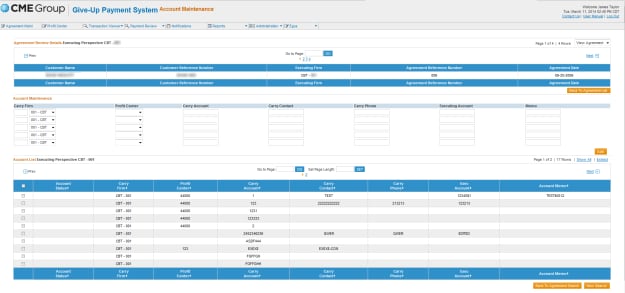
- Select Continue to Accounts.
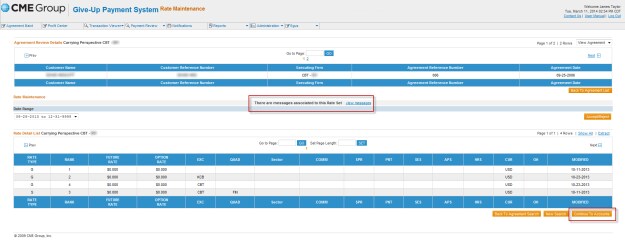
Note: If there is a message associated with the Rate Set, select View Messages. This will display a read only view of the message entered. Under Rejection Messages you can add a note and select Update.


To view the user information, select the View User Info hyperlink. This will display a read only view of the user that rejected the Rate Set.



