User Help System
Reject, Accept & View Payments
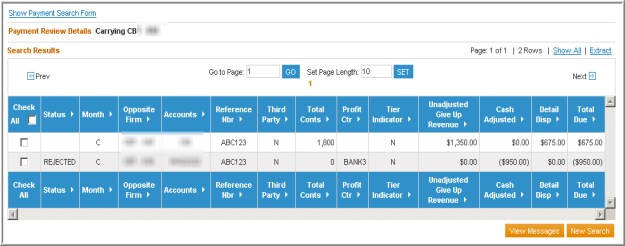
After searching for payments, carrying firms may use the Payment Review page to reject and accept payments.
Reject Payments
- To reject a payment
- Select the check box(es) for the payment(s).

- Select “Rejected” in the drop-down.

- Select or Enter a message.
- Select Submit.
A confirmation message displays indicating that the payments have been rejected.
- To display the rejected Status execute a new search.

Accept Payments
- To accept a payment
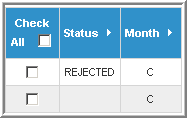
- Select the check box(es) for the payment(s) that have “Rejected” status.
- Select “Accepted” in the drop-down.

- Select Submit.
A confirmation message displays indicating that the transactions have been accepted. The Status code is now blank, indicating an implied acceptance.


