User Help System
Notifications
GC2 offers a feature to notify specified users (by email) when the percentage of exposure limit is reached.
- To set notification percentage:
- Select the Notification percentages for up to three levels.
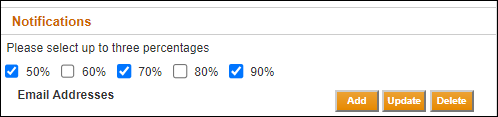
- Select Add.
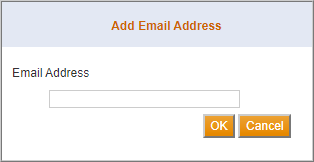
- Type the Email Address and select OK.
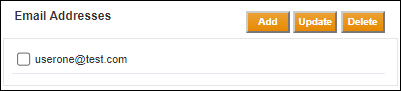
- Select Save when finished.
Proceed to one of the following procedures to modify the email address:
To Update an Email Address
- Select the check box next to the Email Address that requires updating.
- Select Update.
- Modify the email Address and select OK.
- Select Save when finished.
To Delete an Email Address
- Select the check box next to the Email Address that needs to be deleted.
- Select Delete.
- Confirm the deletion by selecting OK.
- Select Save when finished.
Email Notification Messages
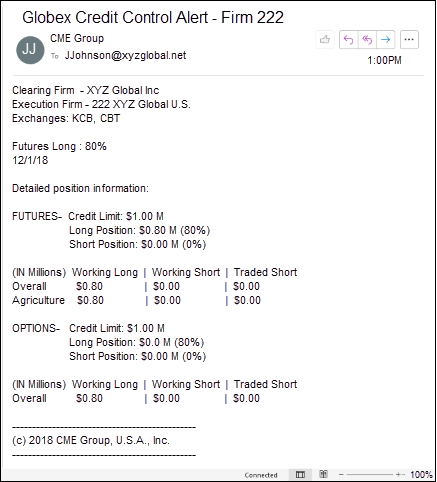
The following figure displays an example email notification from CME Group.