User Help System
RMI Reports
- To view an RMI report:
- From the CME Group Risk Management Tools window, select Reports>RMI>Active Blocks by Legal Clearing Entity.
The following window displays:
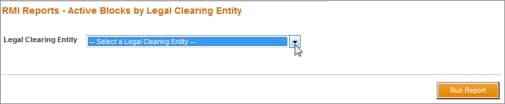
- From the Legal Clearing Entity drop-down box, select a firm.
- Select Run Report.
- Depending on the browser being used, file either automatically downloads or a dialog box displays with open / save file options. If dialog box displays, take actions as appropriate.


