User Help System
Search for a Registered User in FADB
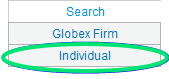
- From the Search tab, select Individual.
- Enter the Last Name, Globex Firm, and/or Contact Type.
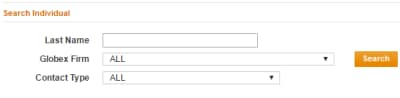
Note: Globex Firm and contact type defaults to ALL.
- Select Search.
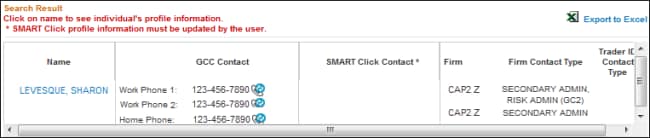
Results appear in a list below.
Registered User's Profile
This function is available to clearing firm administrators only.
- To view the registered user’s profile:
From the Search > Individual results, select the contact's name.
User profiles are available to Clearing Firm Administrators only.
Individual Profile
|
Column |
Description |
|---|---|
|
Profile Pane |
CME Group Login Contact Information / Registration Details |
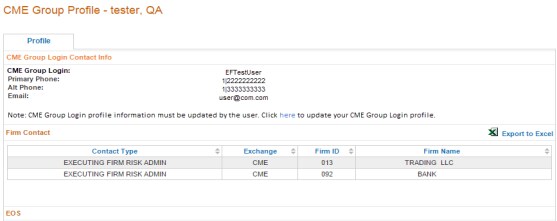
Individual System Entitlements
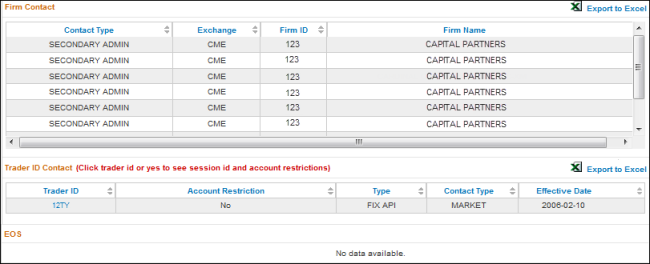
- Firm Contact: Displays firms for which the individual is a Primary, Secondary or Risk Administrator.