User Help System
Extracting Operator IDs
To extract the Operator ID search results click the Extract, or ATS Extract link located at the top right corner of the search results section.
Extract Hyperlink
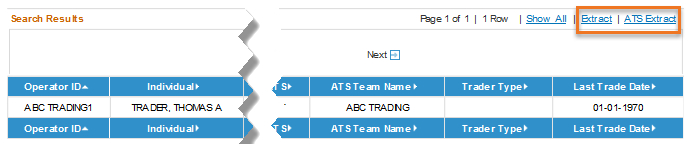
- The Extract hyperlink will provide an extract of the data results (excluding ATS Teams) sorted by ID.
- The ATS Extract will provide an extract of all ATS Team registration details within the search results.
After selecting one of the extract hyperlinks, a windows dialog box will appear requesting the User to Open or Save the tab delimited file. To cancel the extract process, select Cancel. The tab delimited file will contain all of the field values displayed on the search results screen.


