User Help System
Searching for Fee Adjustments
To complete a search for an adjustment, select Search from the Adjustment sub menu. The Search Adjustment screen will appear.

- Select the Bill Firm.
- Select the Original Process Month (YYYY-MM) (optional).
- Select the Payment Month (YYYY-MM) (optional).
- Select the Status (optional).
- Click Search.
The Adjustment Summary page will appear. If the User does not select any criteria other than Bill Firm the search will include all adjustments.
To view the detail of the adjustment, select the Adjustment Summary line item to view.
Search results list

The Adjustment Detail will display for the item selected.

- To view an attachment, select action View Attachments and click the line item to view.
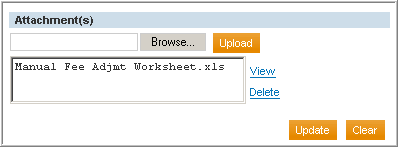
- To view the attachment details, click the line item. The select action is set to Download Attachment.


