User Help System
Value Date Calendar
The Value Date Calendar which reflects EBS Value Dates, can be accessed in two ways
- Click the date on a trading card for a particular instrument:
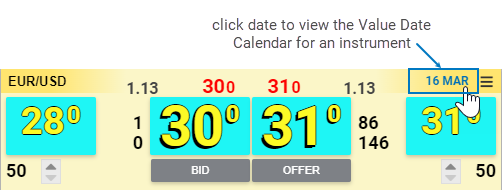
or
- Go to the Application Menu and click Value Date Calendar:
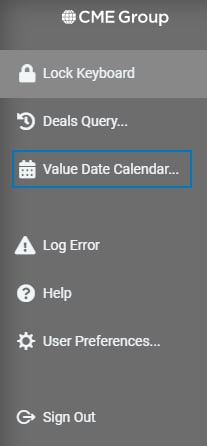
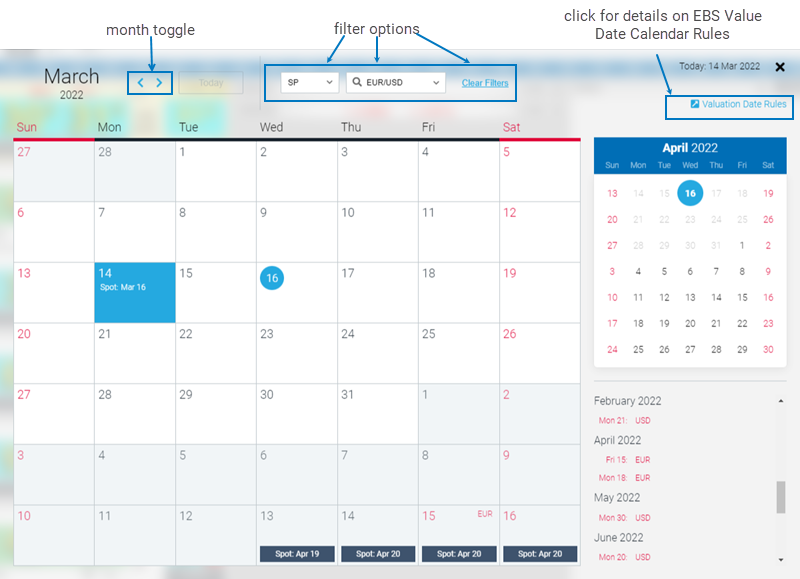
When the Value Calendar displays
- use the arrows to change the month
- filter by instrument type and currency pair
- click Clear Filters to see Value Dates for all instruments
Click the All instrument and All ccys filters to view value dates for all pairs.
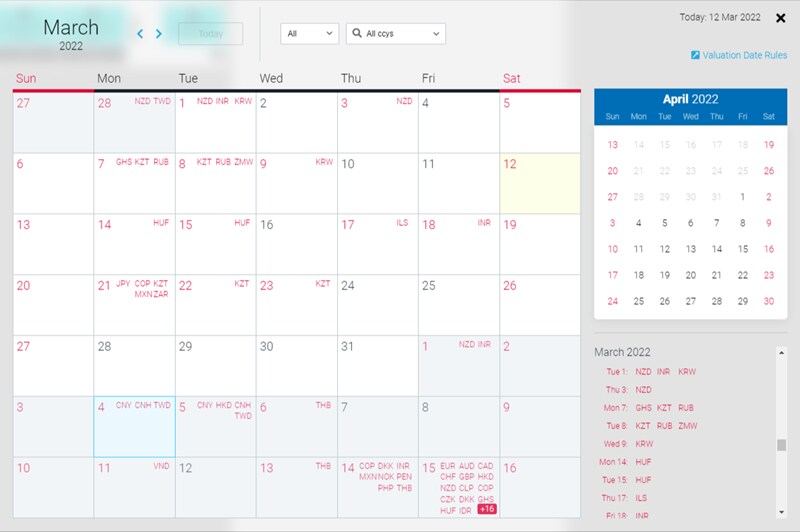
Note: Select Valuation Date Rules to display detailed information on the EBS Value Date Calendar.


