User Help System
Work with Cards
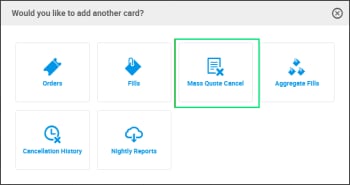
Each major feature within the FirmSoft application is presented as a Card. For example, there are cards for Orders, Fills, Aggregate Fills, Mass Quote Cancel, Cancelation History, which can be opened and managed concurrently.
- Add a Card:
- Select FirmSoft application from the Menu Bar.
- Select +Add Card to display available functions, then select a card.
The card displays on the home page.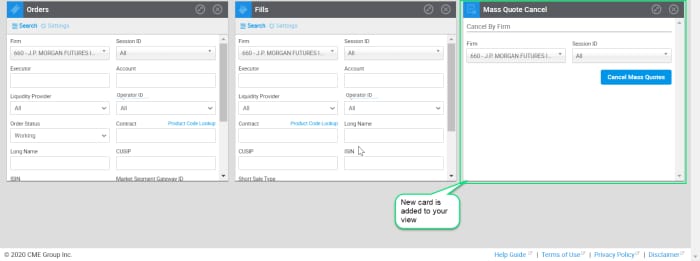
- Maximize/Restore/Close a Card:
Users may work with multiple cards concurrently in a single view.
| Icon | Card Controls |
|---|---|
 | Maximize to the full width of window.
|
 | Restore to normal card size.
|
 | Close the card.
|
 | Toggle between views: search fields/search results.
|
 | Displays/Hides Columns that can be included in search results.
|
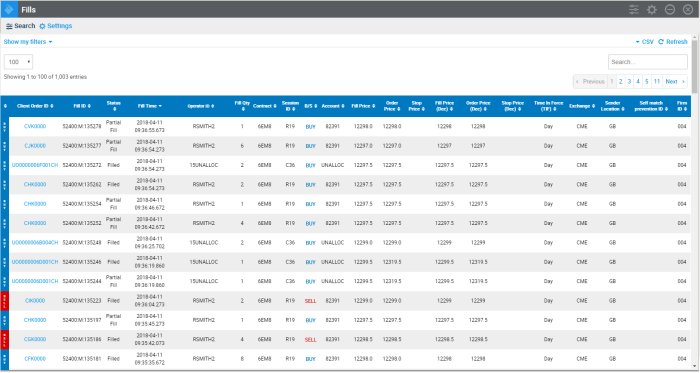
Example of maximized Fills card: