User Help System
Options
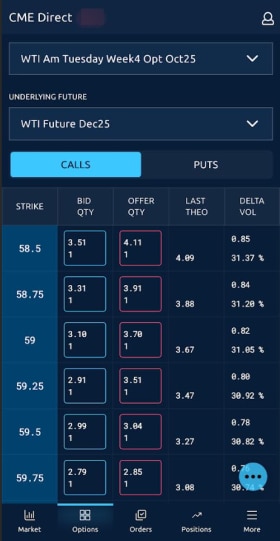
The Options grid displays options market data based on the ATM (or Mid Strike price) for the underlying future and expiration you select. Once populated, the grid allows users to view market activity and summary market data, as well as aggress and submit orders displayed in the grid.
Click the  to display selections:
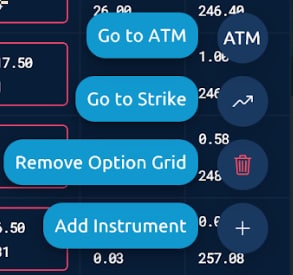
- Go to ATM re-centers the options grid at current at the money strike
- Go to Strike re-centers the options grid to a specific strike
- Remove Option Grid
- Add Instrument
Populating the Options Grid
The initial filters window that appears when adding an Options Grid allows users to select an underlying future, expiration date range, and Greeks display.
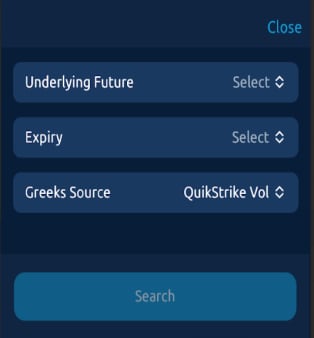
Underlying Future
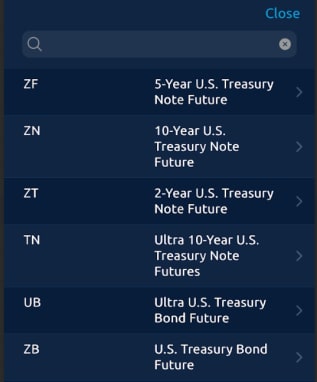
To assign an Underlying Future, tap Select, enter a product in the Search field, and select an Underlying Future from the list or enter a search term in the box.
Expiry
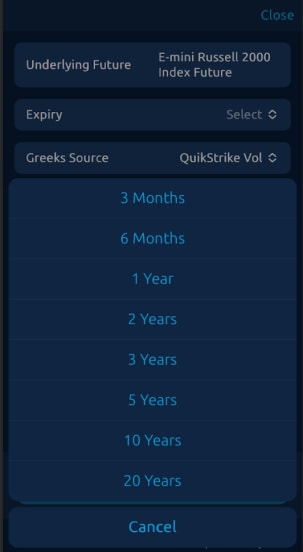
To select an expiration date range choose from the following: 3 Months, 6 Months, 1 Year, 2 Years, 3 Years, 5 Years, 10 Years, 20 Years (or Cancel).
Options List
Once populated, the Options Category displays:
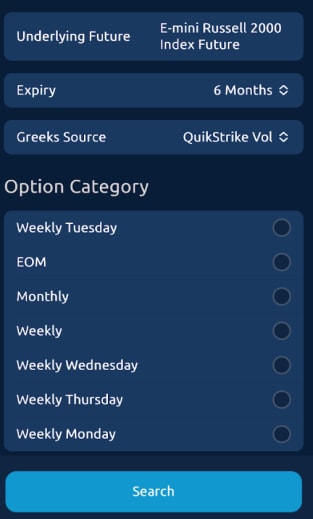
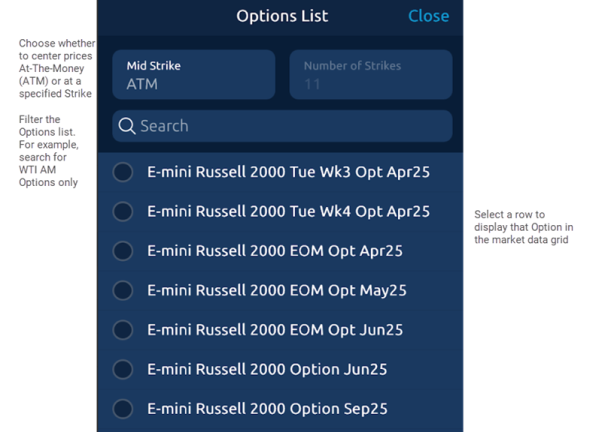
Select Search to open the Options List. Select an option from the list and define the Mid Strike that will populate the Option Grid's market data display.
Options Market Data Grid
The Options Grid market data displays details pertaining to the underlying future prices, and real-time Options market depth centered around the ATM price or a specified Mid Strike price.
The top pane serves as a point of reference while navigating the market data grid, and identifies the selected Option, while providing details of the underlying Future.
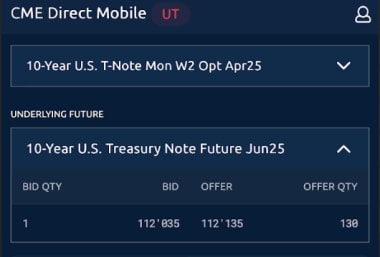
The lower pane displays live Options market depth for the underlying future prices. By default, 10 strike prices display and center at the ATM price. The market data grid also allows users to center the display around the Mid Strike of their choosing.
Strike Price Data
Select a Strike Price from the Strike column in the market data grid to display supplemental strike data, including Bid/Offer Options market depth, Volume, Last, Change, and tick direction.
Update Mid Strike Price
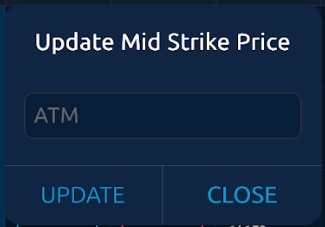
By default, the ATM price serves as the Mid Strike price from which the market data grid is centered. In the Option description pane, select ATM to center prices around a specific strike price.
Enter an Options Order
The Options Grid allows users to aggress and enter Options orders from the market data grid and take a position in an Option.
- To launch an order entry window select a price directly from the market data grid
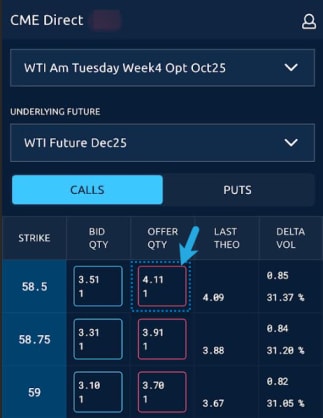
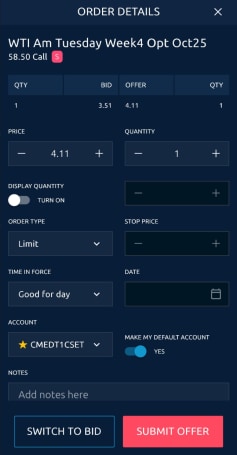
On the order entry window, select an account and submit the Bid/Offer. You may edit the Price, Quantity, and other fields prior to submitting the Bid/Offer.