User Help System
Market Data
Tap the Market icon on the toolbar to view market data for a select product group:

- To display market data
- In the CME Direct client, on either the Futures Grid or Strategies Grid right-click a group (e.g. Group WTI Future), and select Show in Mobile
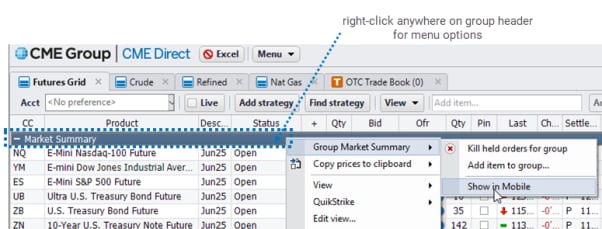
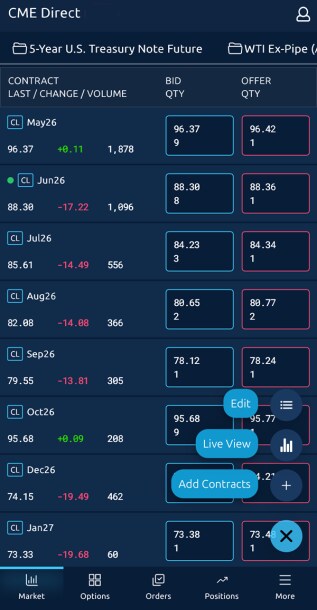
The Market view for the product group appears in CME Direct mobile app:
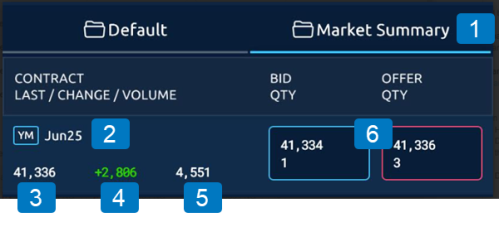
The Market view, which pulls data from the CME Direct client grid, displays the following market and product information:
|
|
|
|
1. Product Group |
4. The change in trade price from the previous trade. Colors indicate the direction of the market |
|
2. Product Code and Expiration |
5. Daily Volume |
|
3. Last Traded Price |
6. Best Bid and Offer prices. Includes the working quantity at that price level.
|
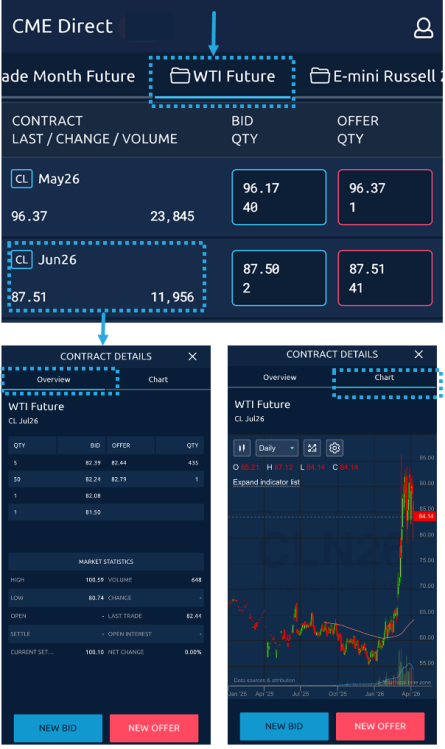
- To display additional market data details:
- Tap a contract to view an Overview with real time market statistics, as well as the top 5 levels of market depth in real time and Chart of prices, powered by TrendSpider.
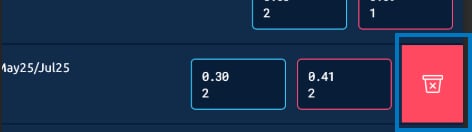
Note: To remove a contract swipe from right to left on the row, tap trash can icon.
Note: Enable Live mode to display rows with live prices only.
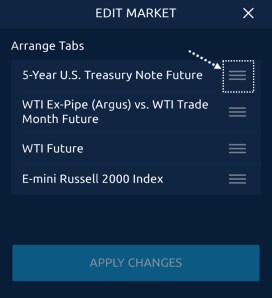
- To re-order Market view tabs:
-
Tap the
 button, Edit > drag and drop tab name > Apply Changes.
- To display live prices:
-
Tap the
button, then Live View.


