User Help System
Enter Orders
Use the Market view to open an order entry ticket and submit new orders or aggress an order.
- To enter an order:
- To open an order entry ticket, tap in contract Bid Qty or Offer Qty column.
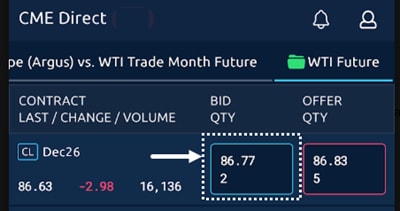
The order ticket displays.
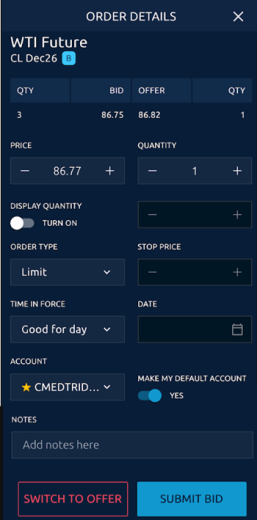
- Complete or edit the following ticket fields as needed:
| Field | Description | |
|---|---|---|
|
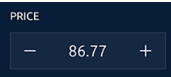
Price |
|
Use the + and - buttons to set the price for the order. |
|
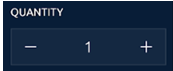
Quantity |
|
Use the + and - buttons to set the quantity for the order. |
|
Display Quantity |
|
Use the toggle to be able to specify quantity shown to market, replenishing the specified quantity when filled, until entire order quantity is filled. |
|
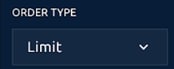
Order Type |
|
Use to select from Limit, Market with Protection, Market-Limit, Stop with Protection, Stop-Limit |
|
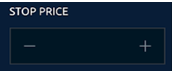
Stop Price |
|
Enter a price at which the stop order is triggered |
|
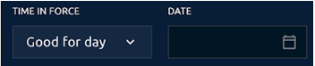
Time in Force |
|
Use the Time in Force list to set the order as Good for day; Good till cancelled; Good till date; Fill, kill remainder, or Fill or kill. |
|
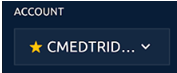
Account |
|
Use the list to select an Account for the order. |
|
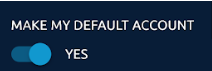
Make My Default Account |
|
Use the toggle to make the selected account the default for all orders. |
|
Notes |
|
Free form to add any notes. |