User Help System
Block Trades
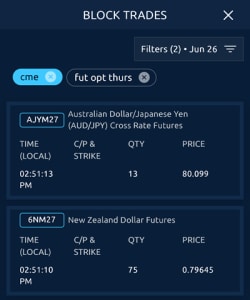
Use Block data feeds to view block trades in real-time.
The data displayed depends on the contract:
- single leg trades are shown as outright
- for multi-leg blocks overall strategy is shown by default, with option to expand and view individual legs
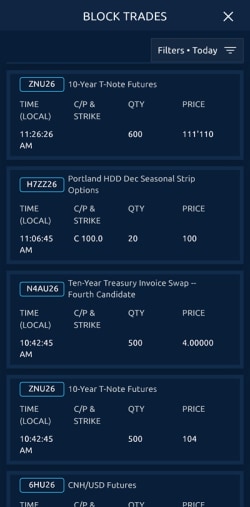
Use the Filters feature to display any combination of Asset Classes & Product Groups, Type, Exchange, and Trade Date.
- Select Apply Filters to set a temporary filter
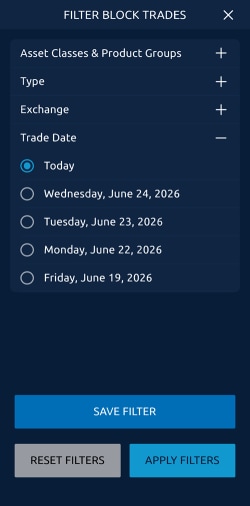
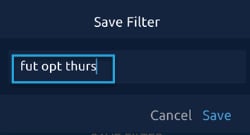
- Select Save Filter to name and save your filter selections.
-
Toggle between the saved filters.
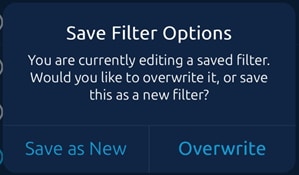
- Click the filters icon to edit (overwrite) or create a new filter.