User Help System
Claiming/Declining a Deal
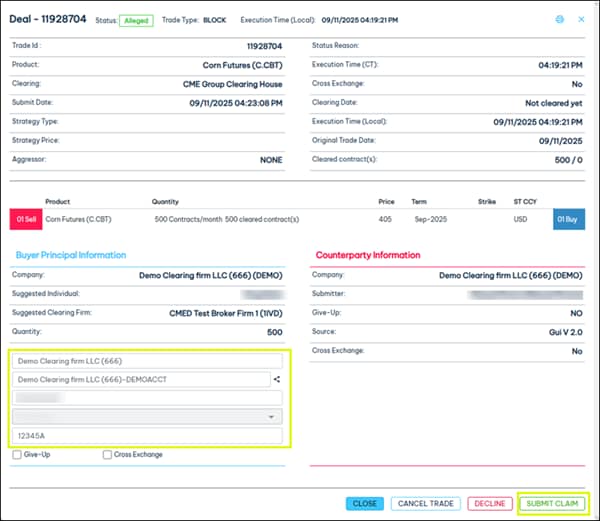
Use the Trade Details screen in the Trade Blotter to claim or decline an alleged single-sided deal.
- To claim/decline a deal:
- Select the trade ID in the Trade Blotter for the alleged deal.

- If claiming a deal, enter the Company, Account, Trader, and Order Number, then select Submit Claim.
- Select Yes to confirm you want to claim the trade.

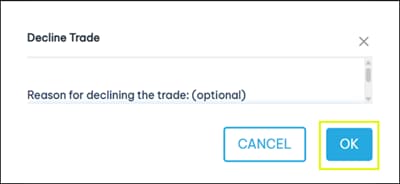
- To decline an alleged deal, select Decline.

- Enter a reason for the decline (optional) and select OK.