User Help System
Desk Assignment
The Desk Assignment feature allows Administrators to create a Desk, or move a user to a new Desk for access to trade executions.
Contact Enterprise Application & System Entitlements (EASE) to enable and configure a Desk. U.S.: +1 312 456 1560, Europe: +44 20 3379 3802, Asia Pacific: +65 6593 5536
- To edit a Desk assignment:
- From the User Administration window, right-click a row and select Add Desk or Edit desk assignment.
The Edit Desk window appears.
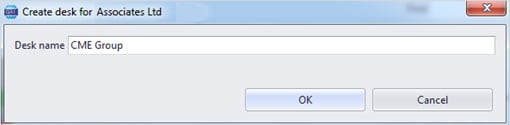
- Select Add Desk to...., enter a Desk name, and click OK.
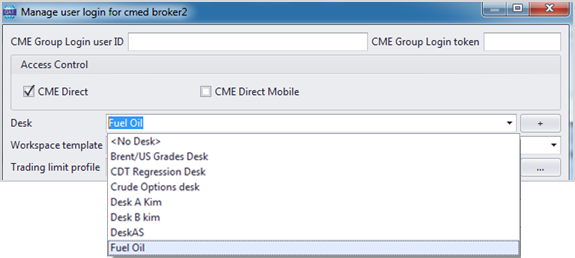
- To edit the Desk, select Manage user login....
- From the Desk field, select a Desk from the list and select OK.
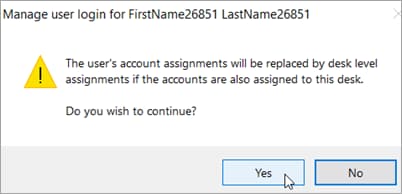
A confirmation window displays. Select Yes to continue.