User Help System
FX and F&O Margin Calculator Screen
This section provides instructions in using the FX and F&O Margin Calculator screen. The screen allows users to better manage cleared or hypothetical portfolios to compute margin requirements that include in-scope products in the SPAN and SPAN2 framework.
To access the interface:
- Login to CME CORE.
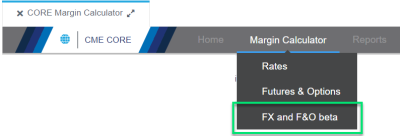
- Select Margin Calculator > FX and F&O.
The FX and F&O Calculator screen appears: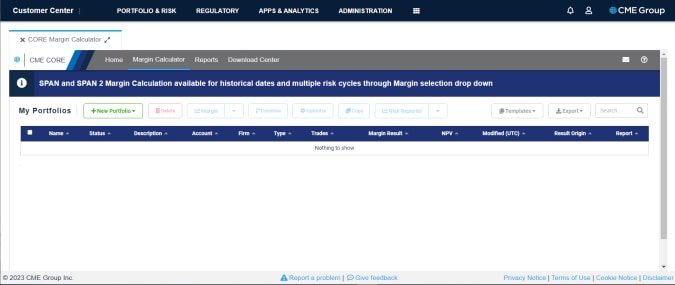
From this screen, you may upload portfolios or use a build wizard to create new portfolios.


