User Help System
Void a Transaction
Broker two sided deals submitted for clearing cannot be edited. If the transaction contains incorrect data, the executing Broker must void the trade and re-submit the trade with the correct information. For single side trades, only exchange staff can void a matched trade on the day it was matched or claimed.
- To void a trade:
- On the Blotter, locate the trade to void.
- Click the trade's Trade ID number.
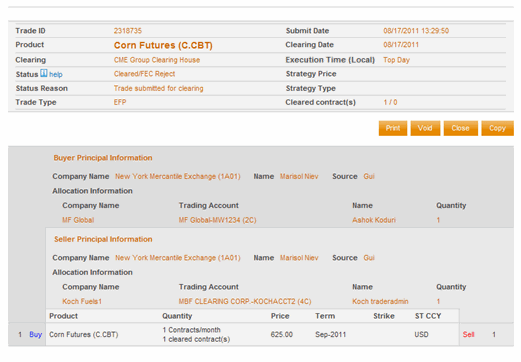
- Click the Void button. The following message appears:
“Are you sure you want to void this trade?”
- Click OK.
The Blotter refreshes and displays a Status of Void for the voided transaction.


