User Help System
Subscribe to ClearView Email Notifications
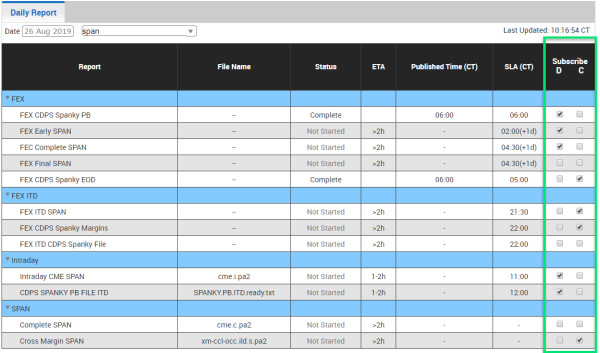
Subscribe to email notifications for selected report(s) by selecting a checkbox in the Subscribe column.
- D = when report is delayed
- C = when the report is completed
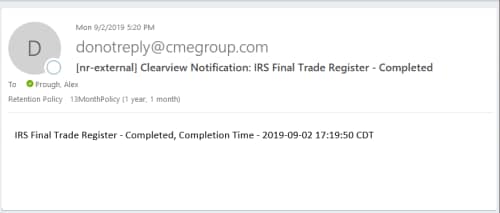
You will receive notification messages for job alerts and ETA changes.
Completed:
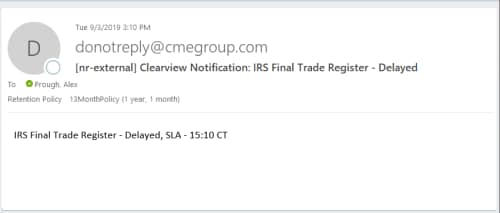
Delayed:
View ClearView Notices within the Daily Reports List
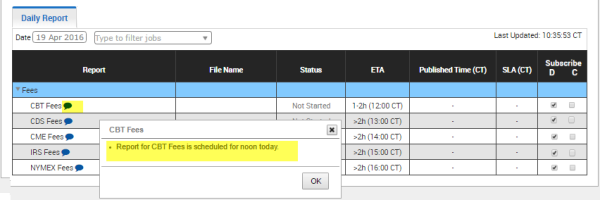
The message of an Email notification may also be viewed from within the Daily Reports tab. Select the blue caption icon and the message appears; select the X to close the message.
View Notices within the Communication Center
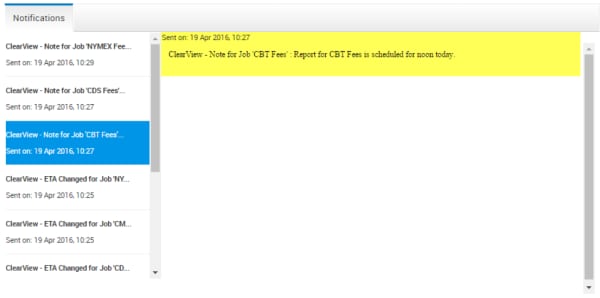
Select the drop-down arrow for the Communication Center (Bell icon) to display the list; select the notice you want.
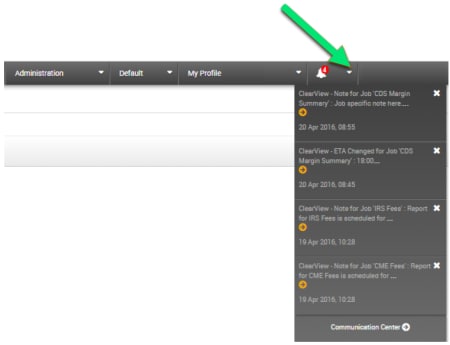
The message text appears in the Notifications tab: