User Help System
View Assigned Accounts
The Accounts Assigned window, accessible from the Users window, allows Clearing Members to view a list of accounts assigned to a particular user, and provides account details such as Account Name, Company name, and the date the account was assigned to the user.
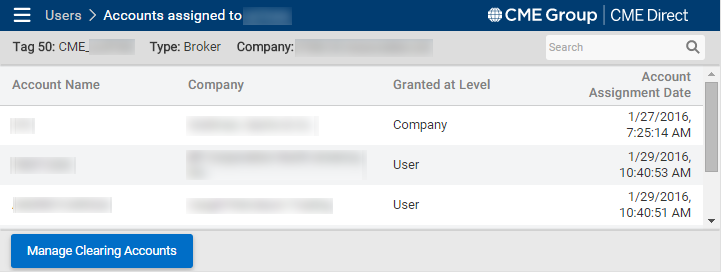
Note: Click Manage Clearing Accounts to manage accounts listed in the Accounts Assigned window specifically.


