User Help System
Complex Book Management
This test verifies that your application can properly receive and process a large event [Market Data Incremental Refresh (tag 35-MsgType=X)].
This test is available for CME SBE UDP Multicast and CME Smart Stream on GCP SBE connection types; from the Interview.
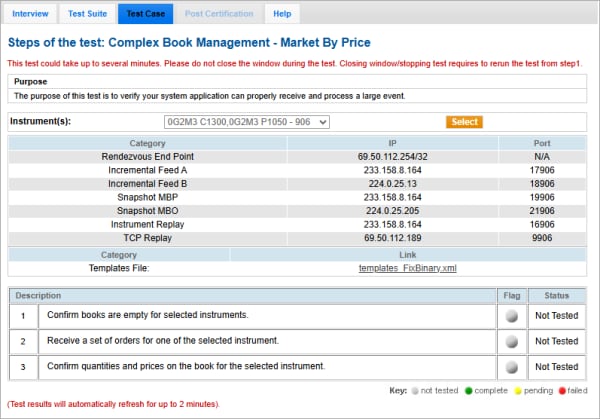
- To run the Complex Book Management test:
- From the Instrument drop-down, select the desired contract if the contract is not already locked.
Note: For futures and options, use the Rendezvous End Point IP Address that appears on the screen when the instrument is selected.
- Click START TEST.
- Confirm that the books are empty for the selected instrument.
Click Yes or No
- Receive a set of orders for one of the selected instruments.
- Enter the quantities (tag 271-MDEntrySize) and prices (tag 270-MDEntryPx) on the book.
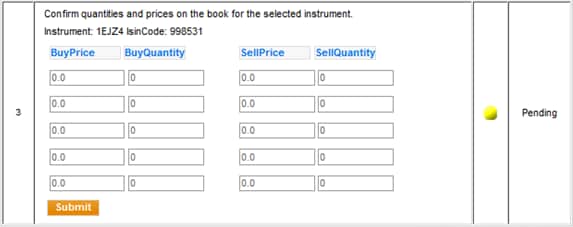
Click Submit.


