User Help System
/*]]>*/
Logon Message (CGW)
The purpose if this test is to verify that your system can appropriately handle timely connection at logon, implement a valid logon heartbeat interval and then handle point of origin values on any Logon and ensuing acknowledgment message.
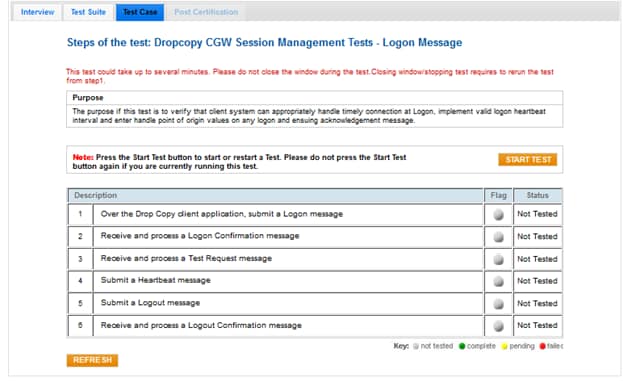
- To run a Logon Message (CGW) test:
- From the Contract drop-down, select the desired contract if the contract is not already locked.
- Click the START TEST button.
Note: DO NOT select the START TEST button once the test process is in progress.
- Over a Drop Copy connection, submit a Logon (35=A) message.
- Receive and process a Logon (35=A) message.
- Receive and process a Test Request (35=1) message.
- Submit a Heartbeat (35=0) message.
- Submit a Logout (35=5) message.
- Receive and process a Logout (35=5) message.


