User Help System
Beginning of Week Logon
This test verifies that your system can log on to the CME Group system at the beginning of the week and maintain the correct inbound and outbound sequence numbers (tag 34-MsgSeqNum).
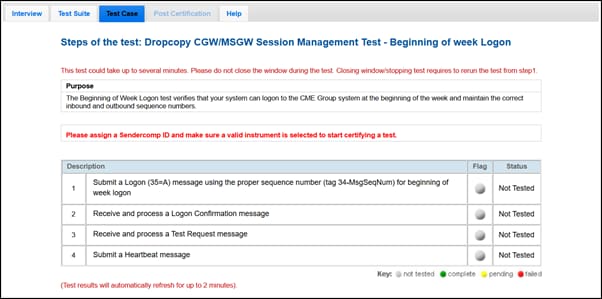
- To run the Beginning of Week Logon test:
- From the Contract drop-down, select the desired contract if the contract is not already locked.
- Click the START TEST button.
Note: DO NOT select the START TEST button once the test process is in progress.
- Submit a Logon (35=A) message using the proper sequence number (tag 34-MsgSeqNum) for beginning of week logon.
- Receive and process a Logon (35=A) confirmation message.
- Receive and process a Test Request message.
- Submit a Heartbeat (35=0) message.


