User Help System
Recovery via TCP Replay
This test verifies that your application can perform recovery via TCP Replay.
- To run the Recovery via TCP Replay test
- Select an Identifier then ASSIGN.

- Select an Instrument.

- Click START TEST. and REFRESH.
Note: To restart the test, click START TEST and then click REFRESH.
- AutoCert+ sends market data book updates, then creates a gap to be recovered.
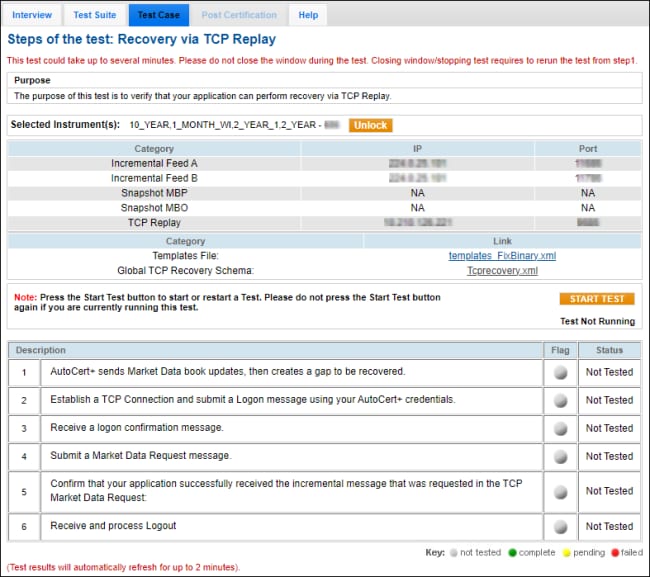
- Establish a TCP Connection and submit a Logon (tag 35-MsgType=A) message using your AutoCert+ credentials.
- Receive a Logon (tag 35-MsgType=A) confirmation message.
- Submit a Market Data Request (tag 35-MsgType=V) message.
- Confirm that your application successfully received the Market Data Incremental Refresh (35=X) message that was requested in the Market Data Request (35=V) message.
Enter the following tag values:
- Price: tag 270-MDEntryPx
- Quantity: tag 271-MDEntrySize

- Receive and process a Logout message.


