User Help System
Consolidated Book Management for RV Curve with Implied
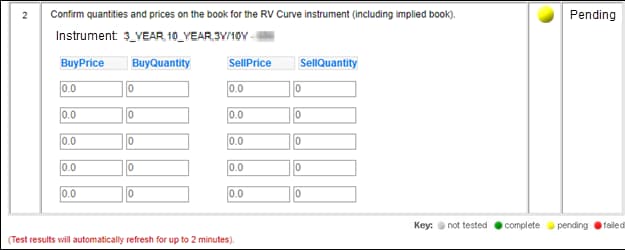
The purpose of this test is to verify that your application can properly process BrokerTec RV Curve market data messages.
- To run the consolidated book management - RV Curve test:
- Select an Identifier then ASSIGN.

- Select an Instrument.

- Click START TEST and REFRESH.
Note: DO NOT select the START TEST button once the test is in progress. If a test is not proceeding to the next step, selecting the Refresh button may resolve the issue.
- Start of the week is initiated, receive and process a book reset (tag 35-MsgType=X, tag 55-Symbol, tag 269-MDEntryType=J) message and the current book for each product. Additional Book updates will start after the book reset has completed.
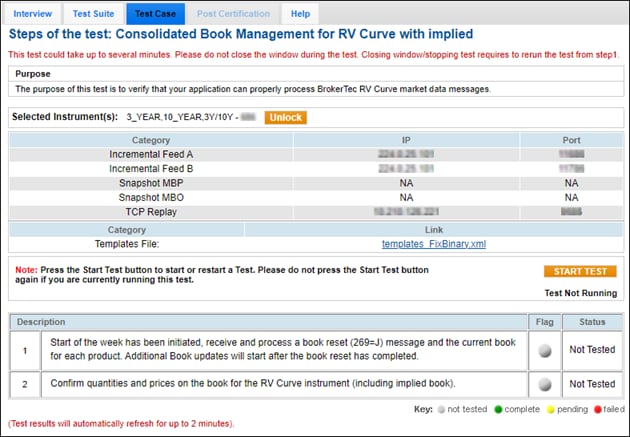
- Confirm quantities (→271-MDEntrySize) and prices (→270-MDEntryPx) on the book for the RV Curve instrument (including implied book - tag 55-Symbol).