User Help System
Security Definition Message MD TCP
The purpose of this test is to verify that your application can properly receive and process Security Definition Messages. This test is mandatory.
- To run the test:
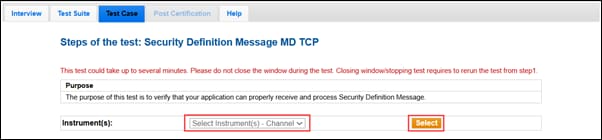
- On the Test Case tab, use the Instrument(s) drop down menu to choose an instrument and channel and click Select.
- Select START TEST.
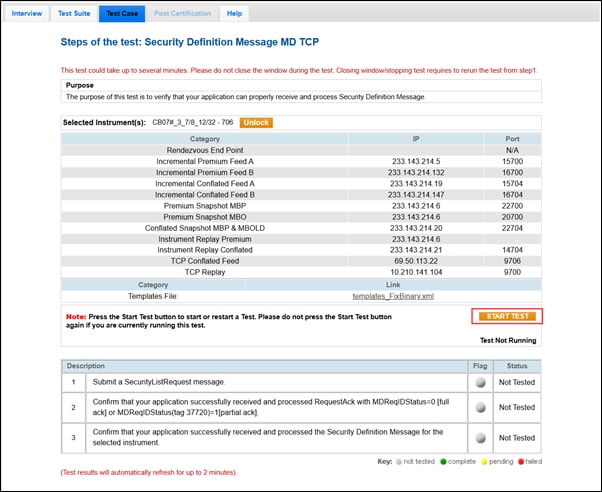
Note: Do not select START TEST while a test is running unless instructed to do so. Restarting a test deletes the current test results.
- Submit a SecurityListRequest message.
- Select Yes or No to confirm that your application successfully received and processed RequestAck with MDReqIDStatus=0 [full ack] or MDReqIDStatus(tag 37720)=1[partial ack].
- Confirm that your application successfully received and processed the Security Definition Message for the selected instrument.


