User Help System
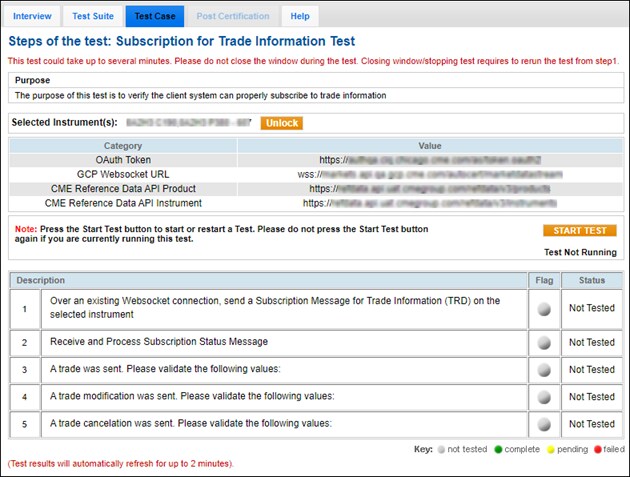
Subscription for Trade Information Test
The purpose of this test is to verify the client system can properly subscribe to trade information.
For more information on the WebSocket API connection and subscription process, see CME Market Data Over WebSocket API .
- To run the Futures Instrument subscription test:
- Prior to selecting the test, assign an Identifier

 , and assign the API ID
 ; a unique identifier to connect, send and receive data (e.g. subscription messages, responses).
Note: To look up or manage API IDs, refer to the CME Group Login User Help.
- From the Instrument drop-down, select the instrument, then Select.
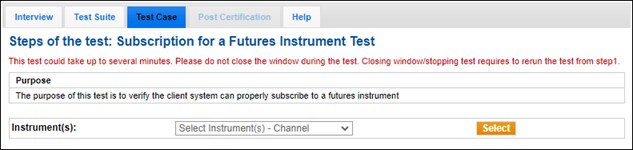
- Select START TEST, then confirm
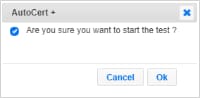 the selection.
 - Over an existing Websocket connection, send a Subscription Message for Trade Information (→ subscriptionMessageTypes=TRD) on the selected Instrument (→ → productCode).
- Receive and Process Subscription Status Message.
- A trade was sent. Validate the following values (from the Trade Summary):
- → → tradePrice
- → → tradeQty
- A trade modification is sent. Validate the following values:
- → → tradePrice
- → → tradeQty
- A trade cancellation is sent. Validate the following values:
- → → tradePrice
- → → tradeQty