User Help System
Search for Trade Tests
The purpose of this test is to verify that the client system can submit Search For Trade request to get their trade.
Note: For additional information and order entry message specifications, refer to the links in the below procedures.
Search for Trade tests:
- Search For Trade using Customer Account ID
- Search For Trade using Customer Order ID
- Search For Trade using Transaction Time Start & Transaction Time End
- Search For Trade using Venue Execution ID
- Search For Trade using Venue Order ID
- Search For Trade without using filter parameter
Prior to beginning the test ensure an OAuth ID / Token is created, then select an Identifier and Instrument.
- Create an OAuth ID (if applicable) in CME Customer Center then retrieve the authentication token.
The OAuth ID and token is used to authenticate the websocket connection prior to running the test.
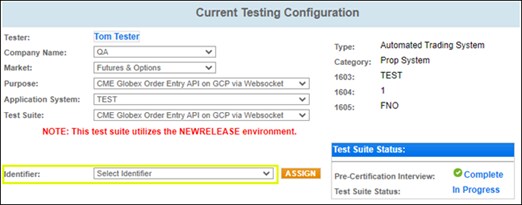
- From the drop down menu select an Identifier.
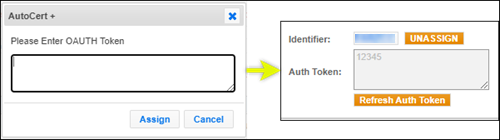
Enter the OAuth Token , then select ASSIGN.
- On the selected Test Case screen, select an Instrument, then select START TEST.
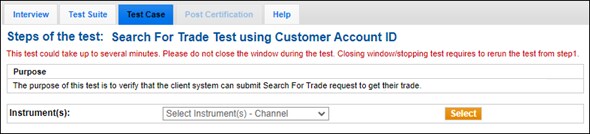
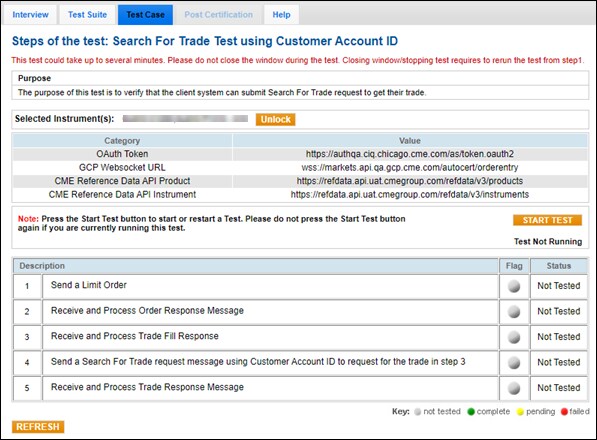
Search For Trade using Customer Account ID
- To test searching for a trade using customer account ID:
- Send a Limit Order (→ type=LIMIT).
- Receive and Process Order Response Message.
- Receive and Process Trade Fill Response.
- Send a Search For Trade request message using Customer Account ID to request for the trade in step 3.
- Receive and Process Trade Response Message.
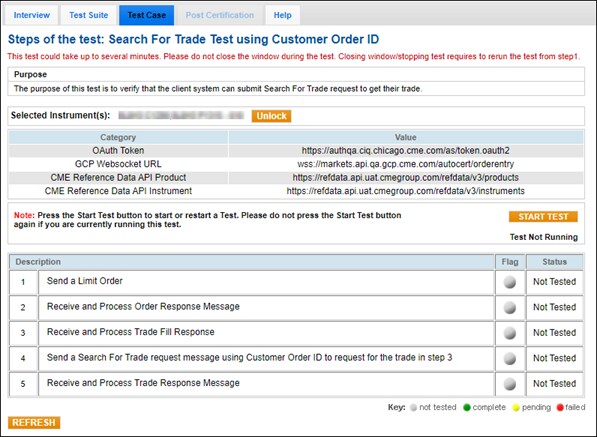
Search For Trade using Customer Order ID
The purpose of this test is to verify that the client system can submit Search For Trade request to get their trade.
- To test searching for a trade using customer account ID:
- Send a Limit Order (→ type=LIMIT).
- Receive and Process Order Response Message.
- Receive and Process Trade Fill Response.
- Send a Search For Trade request message using Customer Order ID to request for the trade in step 3.
- Receive and Process Trade Response Message.
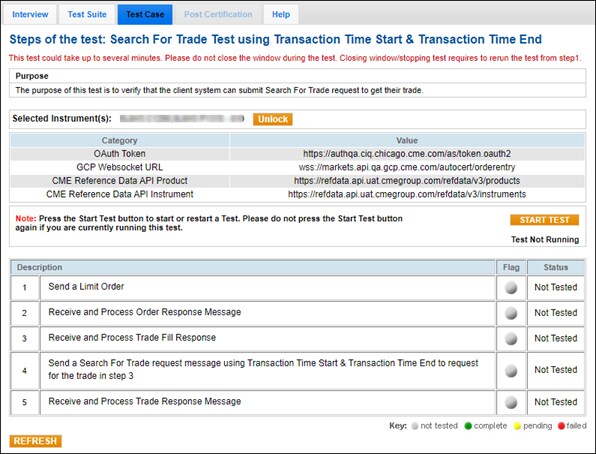
Search For Trade using Transaction Time Start & Transaction Time End
The purpose of this test is to verify that the client system can submit Search For Trade request to get their trade.
- Send a Limit Order (→ type=LIMIT).
- Receive and Process Order Response Message.
- Receive and Process Trade Fill Response.
- Send a Search For Trade request message using Transaction Time Start & Transaction Time End to request for the trade in step 3.
- Receive and Process Trade Response Message.
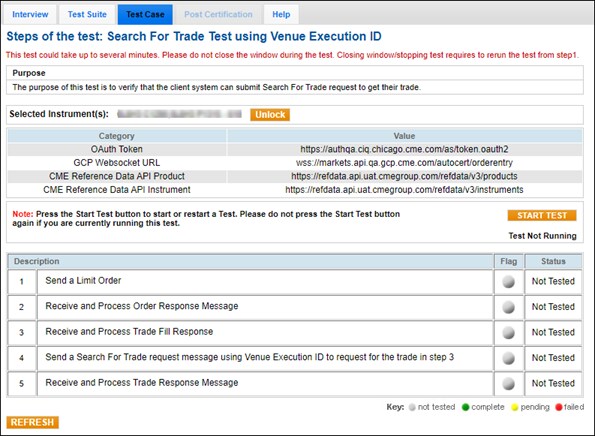
Search For Trade using Venue Execution ID
The purpose of this test is to verify that the client system can submit Search For Trade request to get their trade.
- Send a Limit Order (→ type=LIMIT).
- Receive and Process Order Response Message.
- Receive and Process Trade Fill Response.
- Send a Search For Trade request message using Venue Execution ID to request for the trade in step 3.
- Receive and Process Trade Response Message.
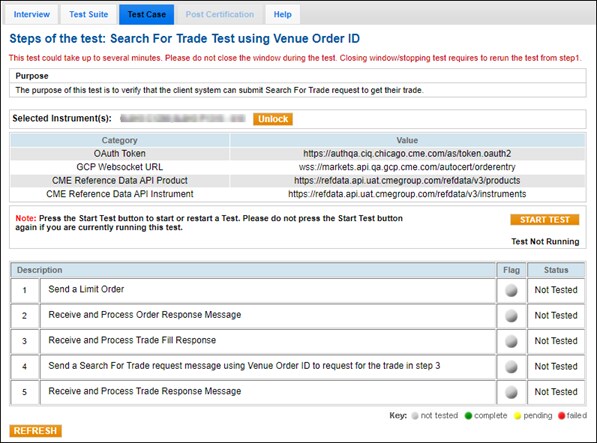
Search For Trade using Venue Order ID
The purpose of this test is to verify that the client system can submit Search For Trade request to get their trade.
- Send a Limit Order (→ type=LIMIT).
- Receive and Process Order Response Message.
- Receive and Process Trade Fill Response.
- Send a Search For Trade request message using Venue Order ID (→ venueOrderIds) to request for the trade in step 3.
- Receive and Process Trade Response Message.
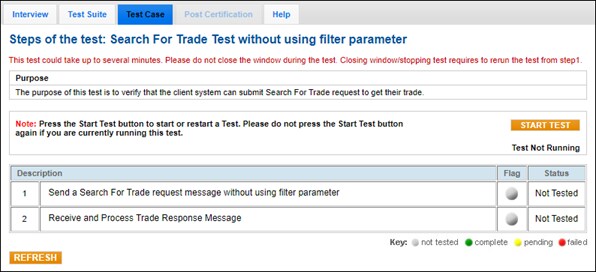
Search For Trade without using filter parameter
The purpose of this test is to verify that the client system can submit Search For Trade request to get their trade.
- Send a Search For Trade request message without using filter parameter.
- Receive and Process Trade Response Message.