User Help System
Conflated UDP Trade Summary Message
The purpose of this test is to verify that your application can properly receive and process a Market Data Incremental Refresh (tag 35-MsgType=X) Trade Summary message.
- Select a SenderComp from the drop-down and select ASSIGN if a SenderComp is not already assigned.
- From the Instruments drop-down, then Select, if the contract is not already locked.
- Select the START TEST button.
Note: DO NOT select the START TEST button once the test is in progress.
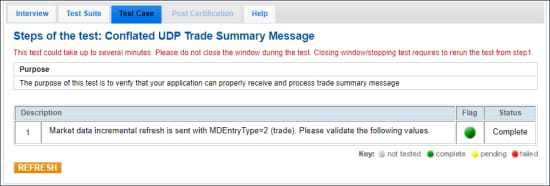
- To run a Trade Summary Message test:
- Enter the tag values from the Market Data Incremental Refresh (tag 35-MsgType=X) Trade Summary message with MDEntryType=2 (trade) message that your application received.


