User Help System
TCP Recovery
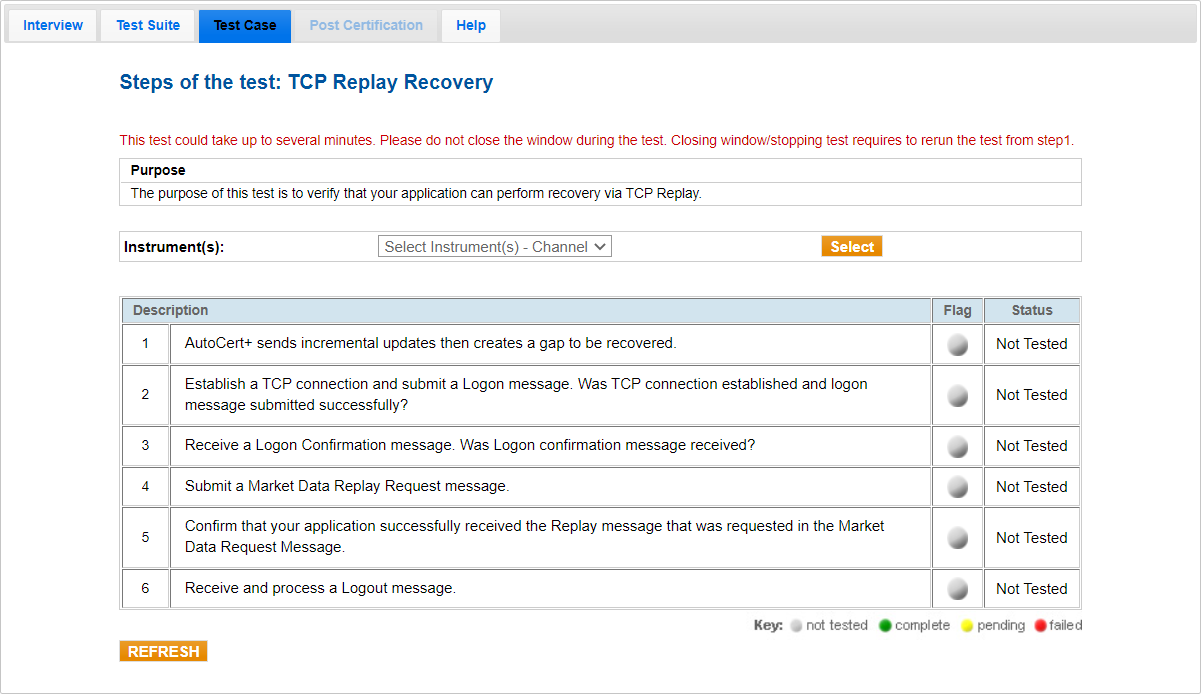
This test verifies that the application can perform a recovery via TCP Replay Recovery.
- From the Contract drop-down, select the desired contracts if the contracts are not already locked.
- Select START TEST.
- To complete a TCP Replay Recovery test:
- Receive incremental updates with a gap that needs to be recovered.
- Select Yes or No to indicate whether a TCP connection was established and a Logon message was submitted successfully.
- Select Yes or No to indicate whether a Logon confirmation message was received.
- Submit a Market Data Replay Request (35=V) message.
- Enter the tag 270-MDEntryPx value to confirm that your application successfully received the replayed message that was requested in the Market Data Replay Request (35=V) message.
- Receive and process a Logout message.


