User Help System
Security Definition Message
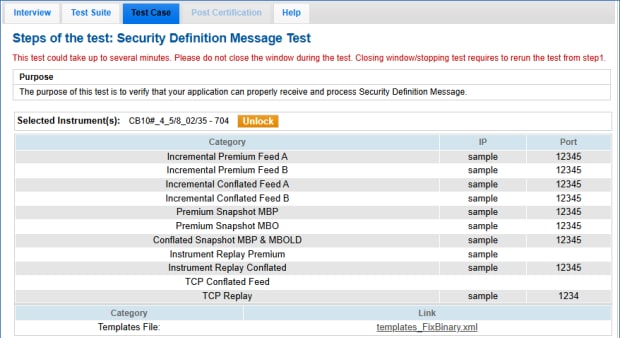
The purpose of this test is to verify that your application can properly receive and process a Security Definition Message.
For more information, see: MDP 3.0 - Market Data Security Definition - Fixed Income
- To run the Security Definition Message test:
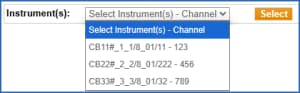
- On the Test Case panel, select an Instrument - channel, then Select (
 ).
).
The screen updates to include connection information and a template file to use for the test.
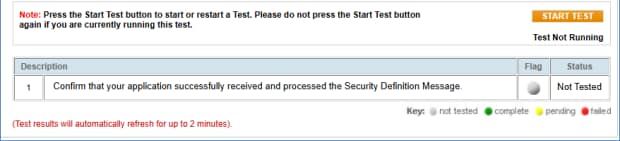
- Select START TEST (
 ).
).
The system will send a security definition message.
- Confirm that your application successfully received and processed the Security Definition Message by entering values for the following message tags:
- →1231-MinLotSize
- tag 1147-UnitOfMeasureQty
- tag 37703-SubFraction
- tag 969-MinPriceIncrement