User Help System
Market Data Trade Summary Message
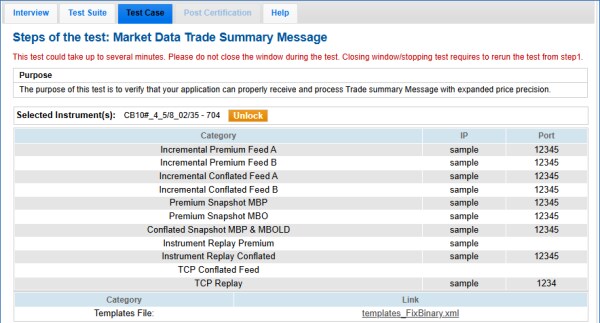
The purpose of this test is to verify that your application can properly receive and process Trade summary Message with expanded price precision.
- To run the market data trade summary message test:
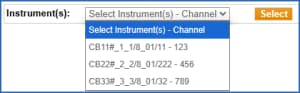
- On the Test Case panel, select an Instrument - channel, then Select (
 ).
).
The screen updates to include connection information and a template file to use for the test.
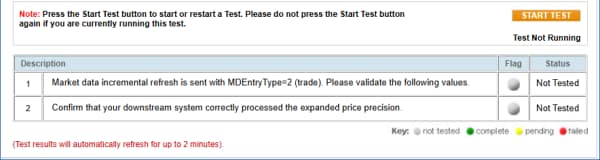
- Select START TEST (
 ).
).
A market data incremental refresh is sent with tag 269-MDEntryType=2 (trade).
- Validate the message by entering values from the message for the following:
- →270-MDEntryPx
- → 271-MDEntrySize
- Select a response (yes/no) to confirm your system processed the expanded price precision.
See also: MDP 3.0 - Trade Summary.