User Help System
Book Management Messages - Market by Order (MBO)
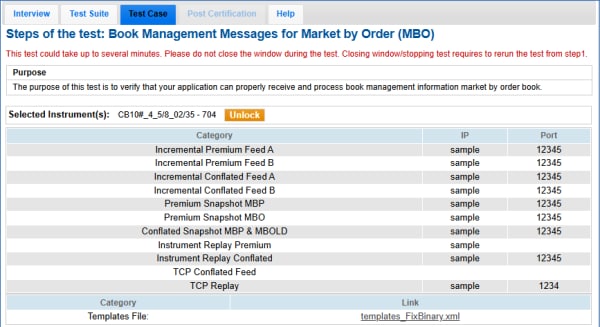
The purpose of this test is to verify that your application can properly receive and process book management information market by order book.
- To run the book management messages - market by order test:
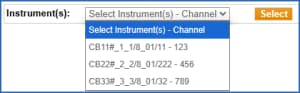
- On the Test Case panel, select an Instrument - channel, then Select (
 ).
).
The screen updates to include connection information and a template file to use for the test.
- Select START TEST (
 ).
).
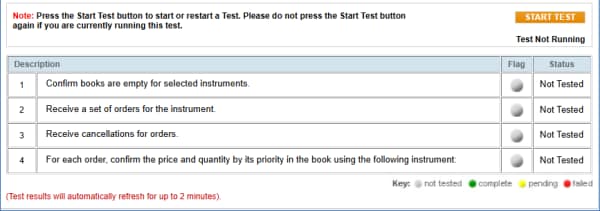
- Confirm books are empty for selected instrument(s).
Select a response to the prompt (yes/no) to validate the book is empty/cleared.
- A set of orders for the instrument is received.
- Cancellations for the orders is received.
- For each order, confirm the price (tag 270-MDEntryPx) and quantity (tag 271-MDEntrySize) by its priority in the book.
See also: MDP 3.0 - Market by Order - Book Management.