User Help System
Delete Account (Executing Perspective Only)
- To delete an account:
- Select the check box next to the line item you wish to delete.
- Select Delete.
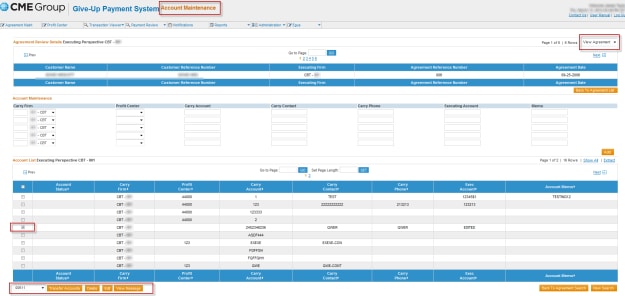
- Once selected, you will be prompted with an alert message asking “Are you sure you want to delete this account?”
- If yes, select OK. If no, select Cancel.


